
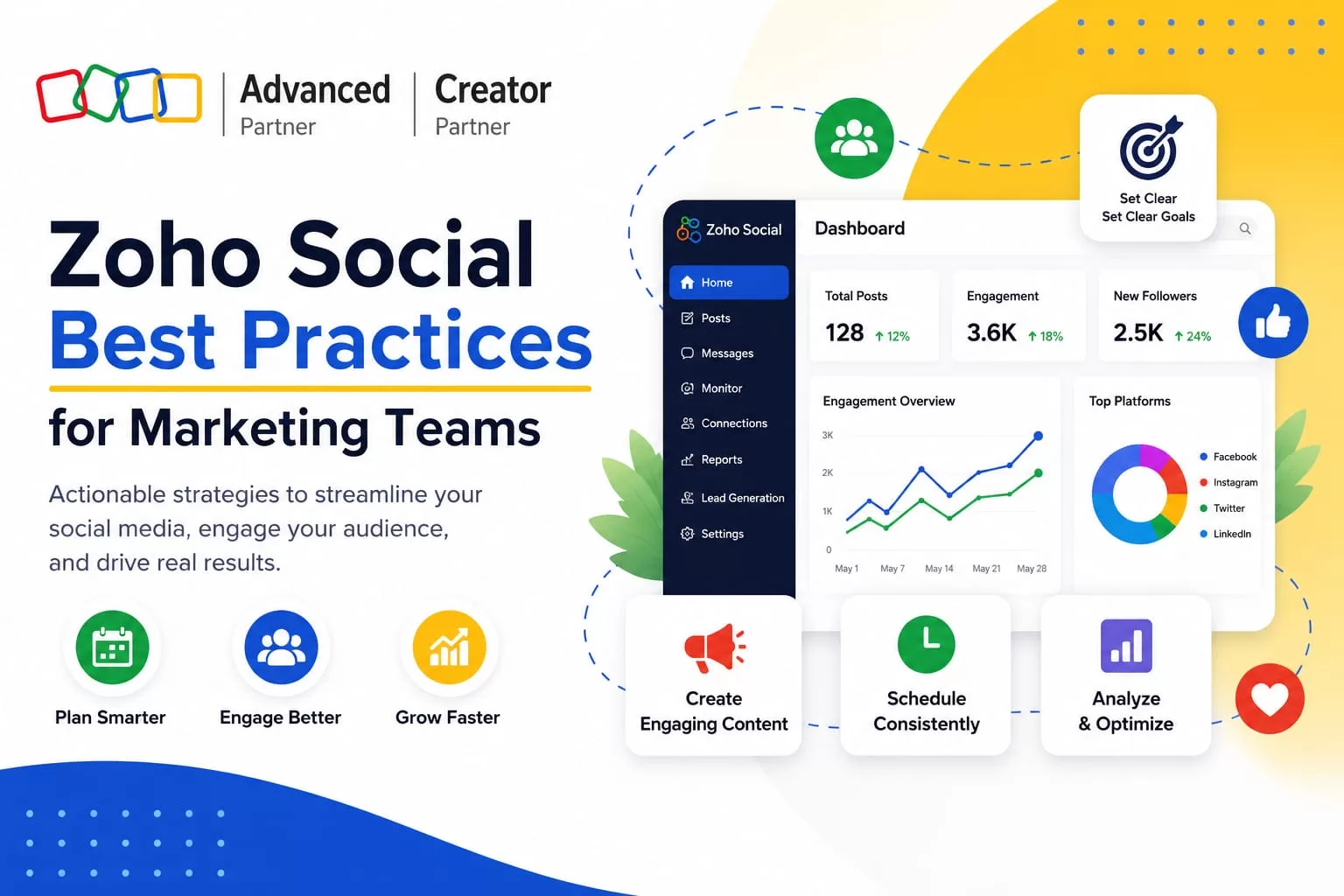
Businesses successfully implement Zoho Social and begin managing their social media activity through a central platform. Posts are scheduled, campaigns are launched, and teams start monitoring audience engagement.
However, simply using a social media management tool does not automatically improve marketing results.
To get the most value from Zoho Social, organisations need clear workflows, structured publishing practices, and consistent performance analysis. This article assumes the platform is already in, if it is not, the Zoho Social setup guide covers the full configuration process step by step.
Establishing a Structured Content Calendar
One of the most important practices in social media management is maintaining a structured publishing schedule. Without a clear plan, posts may appear irregularly, campaigns may overlap, and messaging may become inconsistent.
Planning campaigns in advance
Marketing teams should plan social media campaigns ahead of time. Teams may schedule content around product launches, promotional campaigns, company announcements, and seasonal marketing initiatives. Planning content in advance helps teams maintain a consistent presence across platforms.
Maintaining consistent publishing schedules
Consistency is an important factor in social media visibility. When businesses publish content regularly, audiences become more familiar with the brand and engagement often improves. Using Zoho Social’s scheduling tools, marketing teams can prepare posts ahead of time and maintain steady publishing schedules across platforms.
Aligning social media with marketing campaigns
Social media activity should support broader marketing goals. When a company launches a new service or campaign, social media posts should align with email marketing, advertising campaigns, and website announcements. A structured calendar helps maintain this coordination.
Improving Social Media Engagement Monitoring
Publishing content is only one part of social media marketing. Businesses must also monitor audience interactions and respond appropriately.
Responding to comments and mentions efficiently
Customers often ask questions, provide feedback, or mention brands in their posts. Zoho Social allows marketing teams to monitor comments, mentions, and direct messages from a single dashboard. Responding promptly helps maintain positive customer relationships.
Assigning engagement responsibilities
In larger marketing teams, it is important to assign responsibility for monitoring engagement. One team member may monitor comments, another may respond to direct messages, and a marketing manager may review complex customer interactions. Clear responsibilities help ensure no messages are overlooked.
Tracking brand conversations
Monitoring social media conversations also provides insight into how audiences perceive the brand. Marketing teams can track mentions and identify common questions, feedback, or concerns. These insights can help guide future campaigns and messaging.
Using Zoho Social Analytics Effectively
Zoho Social analytics helps marketing teams understand which campaigns perform well and which strategies require improvement.
Tracking engagement metrics
Common social media metrics include likes and reactions, comments and replies, shares and reposts, and follower growth. Tracking these metrics helps teams understand how audiences respond to content.
Evaluating campaign performance with Zoho Social reports
Marketing teams should regularly review Zoho Social reports to evaluate campaign results. Teams can analyse which posts generate the most engagement, which platforms produce the best results, and what types of content audiences respond to most often. These insights help improve future campaigns.
Identifying high-performing content
Analytics also help identify content patterns that work well. Teams may discover that certain content types, such as short videos or educational posts, generate higher engagement. For businesses that need deeper cross-channel analysis, Zoho Analytics connects directly with Zoho Social, enabling custom dashboards that combine social performance data with sales pipeline and CRM activity.
Optimising Team Collaboration
Social media campaigns often involve several team members. Clear collaboration processes help maintain efficiency and consistency.
Defining publishing responsibilities
Marketing teams should define who is responsible for writing posts, designing graphics, approving campaigns, and publishing content. When responsibilities are clearly defined, campaigns move more smoothly through the workflow.
Using approval workflows
Many organisations require approval before publishing important posts. Zoho Social allows teams to create approval processes where managers review posts before they are published. This helps maintain brand consistency and reduce publishing errors.
Coordinating marketing campaigns
Campaign coordination is easier when all team members work within the same platform. Zoho Social’s collaboration tools allow marketing teams to coordinate campaign timelines, responsibilities, and publishing schedules without relying on separate project management tools.
Integrating Zoho Social With CRM and Marketing Systems
Zoho Social becomes more powerful when integrated with other business systems.
Connecting social engagement with customer records
When integrated with Zoho CRM, social media interactions appear within customer records, giving marketing and sales teams a complete history of engagement. Zoho Social lead generation is made possible through this connection; social activity becomes a trackable pipeline rather than isolated marketing metrics.
Using CRM insights to guide campaigns
Customer insights from CRM systems can help guide social media strategies. Marketing teams may identify common customer questions or interests and create content that addresses those topics. This helps social media campaigns become more relevant to the audience and better aligned with sales priorities.
Common Mistakes Businesses Make With Zoho Social
- Inconsistent publishing schedules: Irregular posting reduces audience engagement and limits visibility.
- Ignoring Zoho Social analytics: Without reviewing analytics, teams may continue using ineffective content strategies.
- Unclear team roles: When responsibilities are not clearly assigned, tasks may be duplicated or overlooked.
- Poor workflow definition: Without defined workflows, content approvals and campaign coordination become inefficient.
When Businesses Need Social Media Optimisation Support
As marketing operations grow, organisations may require additional guidance to improve their workflows. Businesses often seek optimisation support when marketing teams struggle to coordinate campaigns, reporting and analytics are unclear, CRM integration is incomplete, or social media workflows need improvement.
Why Businesses Work With Al Fahad IT Consulting
Implementing Zoho Social is only the first step. Long-term success requires ongoing optimisation and governance. Al Fahad IT Consulting helps organisations improve how they use Zoho systems by aligning platforms with real business workflows. As an authorised Zoho implementation partner for the UAE, Saudi Arabia, and Bahrain, the team analyses marketing processes, refines publishing workflows, improves reporting and Zoho Social analytics visibility, and integrates Zoho Social with CRM and marketing systems.
Frequently Asked Questions
How often should businesses post on social media?
Posting frequency depends on the platform and marketing goals. Many organisations aim to maintain consistent weekly or daily posting schedules.
How can marketing teams improve social media engagement?
Teams can improve engagement by posting regularly, responding to comments quickly, and analysing performance metrics to refine their strategies.
Which metrics matter most in Zoho Social analytics?
Important metrics often include engagement rate, audience reach, follower growth, and post performance.
Can Zoho Social help coordinate marketing teams?
Yes. Zoho Social provides publishing calendars, collaboration tools, and approval workflows that help teams coordinate campaigns.
Do businesses need consulting support to optimise Zoho Social?
Some organisations benefit from consulting support when they want to improve workflows, analytics reporting, or system integration.
Conclusion
Zoho Social helps businesses organise social media management through centralised publishing, monitoring, collaboration, and analytics. However, achieving strong results requires more than simply using the platform. Marketing teams must establish structured workflows, maintain consistent publishing schedules, and regularly review analytics insights.
By following these best practices, organisations can improve the effectiveness of their social media operations and gain greater value from Zoho Social. For businesses evaluating whether Zoho Social is the right tool, particularly against Hootsuite, the Zoho Social vs Hootsuite comparison covers the key differences in depth.
| Related Reading |


