
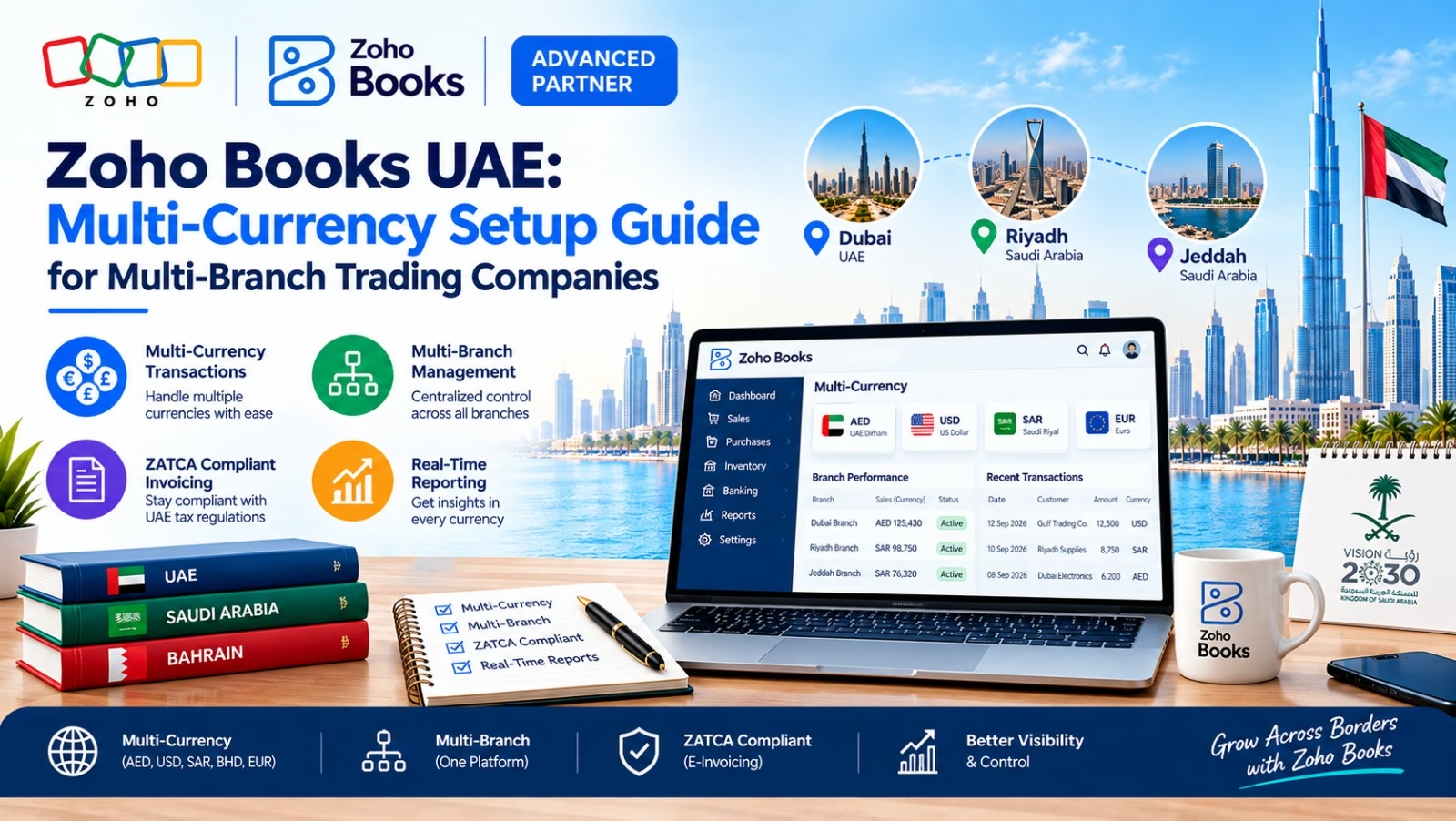
If your trading company operates from more than one branch across the UAE — and deals with suppliers or customers in Dirhams, US Dollars, Euros, Indian Rupees, or Chinese Yuan — a single-currency accounting setup simply cannot keep up. This is exactly where Zoho Books UAE earns its reputation as the accounting platform of choice for growing trading businesses. It combines FTA-compliant VAT accounting with a genuinely powerful multi-currency engine, letting finance teams manage several branches and several currencies from one dashboard, without duplicate books or manual conversion errors.
In this guide, we walk through exactly how to set up multi-currency accounting in Zoho Books, how to structure it around multiple branches, and the practical decisions that determine whether your books stay clean or turn into a monthly reconciliation nightmare.
Why Multi-Branch Trading Companies in the UAE Need Multi-Currency Accounting
UAE trading companies rarely deal in Dirhams alone. A typical import-export or general trading business might buy goods from China in USD, from Europe in EUR, sell locally in AED, and pay agents in India in INR — often through three or four branch offices in different Emirates or free zones. Without a system built for this, finance teams end up:
- Manually converting invoices in spreadsheets before entering them into the accounting system
- Struggling to consolidate branch-wise profit and loss statements in a single reporting currency
- Missing or miscalculating realized and unrealized foreign exchange gains/losses
- Facing VAT filing errors because AED-equivalent values were calculated incorrectly
Zoho Books UAE solves this by natively supporting multiple currencies at the transaction level while still reporting everything back to AED — your base currency for FTA VAT returns — automatically.
Zoho Books UAE: Key Multi-Currency Features
- Support for 190+ currencies with automatically updated exchange rates
- Currency-wise customer and vendor profiles, so each invoice is generated in the currency your trading partner expects
- Automatic calculation of realized and unrealized exchange gain or loss
- Branch/location tracking (via Zoho Books’ Branches feature) that works alongside multi-currency for consolidated or branch-wise reports
- FTA-compliant VAT reporting that converts foreign-currency transactions to AED at the correct exchange rate for filing
Step-by-Step: Multi-Currency Setup in Zoho Books UAE
Step 1: Set Your Base Currency to AED
When you first create your Zoho Books organization for a UAE entity, set the base currency to AED. This is the currency your VAT returns, balance sheet, and consolidated reports will always be shown in, regardless of how many foreign currencies you transact in day to day. You cannot change this later without support intervention, so confirm it before you start entering data.
Step 2: Enable Multi-Currency and Add Currencies
Go to Settings → Currencies, and turn on multi-currency support. Add every currency your branches actually transact in — for most UAE trading companies this means USD, EUR, GBP, CNY, and INR at minimum. For each currency, you can choose to let Zoho Books fetch live exchange rates automatically or enter your own rates if your company uses fixed internal rates for budgeting.
Step 3: Set Up Branches for Each Location
Under Settings → Branches, create a branch record for each physical office or emirate you operate from — for example, Dubai Mainland, Sharjah, and a Jebel Ali Free Zone branch. Each branch can have its own address, VAT registration details (where applicable), and default warehouse, while still rolling up into one consolidated organization for reporting.
Step 4: Assign Currencies to Customers and Vendors
When creating a customer or vendor profile, assign their default transaction currency. A Chinese supplier gets CNY, a European distributor gets EUR, a local UAE customer gets AED. Every invoice, bill, or purchase order created for that contact automatically opens in the correct currency, and Zoho Books converts the AED-equivalent value in the background using the exchange rate applicable on that transaction date.
Step 5: Link Bank Accounts to the Right Currency
If your company holds foreign-currency bank accounts (a common setup for import-heavy trading firms), add each as a separate bank account in Zoho Books with its matching currency. This keeps foreign currency balances accurate and avoids conversion happening twice — once at the bank account level and again at the transaction level.
Step 6: Review Exchange Gain/Loss Automatically
As invoices are settled, exchange rates move between the invoice date and payment date. Zoho Books calculates the realized exchange gain or loss automatically and posts it to the correct ledger account, and recalculates unrealized gain/loss on open foreign-currency invoices at period end. This single feature typically saves UAE trading companies hours of manual journal entries every month-end.
Step 7: Confirm VAT Conversion for FTA Filing
For UAE VAT purposes, every foreign-currency invoice must show its AED-equivalent value at the exchange rate on the invoice date. Zoho Books does this automatically for every transaction, and the VAT Return report pulls the correct AED figures regardless of the original transaction currency — critical for accurate quarterly or monthly FTA filings.
Managing Multiple Branches Alongside Multi-Currency in Zoho Books UAE
Once multi-currency and branches are both set up, Zoho Books lets you view reports two ways: consolidated across the whole organization in AED, or filtered branch-by-branch to see how each location is performing in its own transaction mix. This is especially useful for trading groups where one branch handles GCC sales in AED while another handles import purchasing in USD or CNY — leadership gets one true picture without merging spreadsheets manually.
Common Challenges and How to Solve Them
- Exchange rate mismatches: Lock exchange rates on recurring supplier invoices instead of relying on daily fluctuating rates, if your contracts specify a fixed rate.
- Branch-level access control: Use Zoho Books’ role-based permissions so branch accountants only see and edit their own branch’s transactions.
- Reconciling foreign bank accounts: Match foreign-currency bank feeds directly against invoices in the same currency to avoid double conversion errors.
- VAT on foreign currency purchases: Always verify the AED-equivalent value on the VAT report against your bank exchange rate certificate for high-value transactions.
Best Practices for UAE Trading Companies Using Zoho Books
- Review your currency list quarterly — remove currencies you no longer transact in to keep dropdowns clean
- Reconcile exchange gain/loss accounts every month, not just at year-end
- Standardize which branch enters which currency’s transactions to avoid duplicate vendor records
- Use Zoho Books’ custom reports to build a single branch-wise, currency-wise dashboard for management review
Frequently Asked Questions About Zoho Books UAE
Q1: Does Zoho Books support multi-currency accounting in the UAE?
Yes. Zoho Books UAE fully supports multi-currency accounting alongside FTA-compliant VAT reporting. You can set AED as your base currency while invoicing, billing, and receiving payments in 190+ other currencies, with automatic conversion back to AED for VAT filing.
Q2: Can one Zoho Books account manage multiple branches at the same time?
Yes. The Branches feature lets you create a separate record for each office or emirate — for example Dubai, Sharjah, or a free zone location — while keeping one consolidated set of books. You can view reports for a single branch or for the whole organization combined.
Q3: Which currencies can I use with Zoho Books UAE?
Zoho Books supports over 190 world currencies, including USD, EUR, GBP, CNY, INR, and every GCC currency. You only need to activate the currencies your business actually transacts in from Settings → Currencies.
Q4: Does Zoho Books update exchange rates automatically?
Yes, Zoho Books can fetch daily exchange rates automatically. If your company prefers fixed internal rates for budgeting or specific supplier contracts, you can also enter and lock custom exchange rates manually.
Q5: How does Zoho Books calculate VAT on foreign-currency invoices?
Every foreign-currency transaction is automatically converted to its AED-equivalent value using the exchange rate on the invoice date. This AED value is what feeds into your VAT Return report, keeping your FTA filings accurate without manual calculation.
Q6: What happens to exchange rate differences between invoice and payment date?
Zoho Books automatically calculates the realized exchange gain or loss when an invoice is settled at a different rate than when it was raised, and posts it to the correct ledger account — removing the need for manual month-end journal entries.
Q7: Can different branches use different currencies as their default?
The organization itself has one base currency (AED, for UAE VAT purposes), but each branch can still transact freely in whichever currencies its customers or vendors use. Reports can then be viewed branch-wise or consolidated in AED.
Q8: Is Zoho Books suitable for import-export trading companies specifically?
Yes — its combination of multi-currency invoicing, foreign-currency bank account support, branch tracking, and automatic exchange gain/loss calculation makes it particularly well suited to import-export and general trading companies operating across multiple UAE locations.
Final Thoughts on Zoho Books UAE for Multi-Branch Trading Companies
For any multi-branch trading company operating in the UAE, Zoho Books UAE offers one of the most practical combinations available: genuine multi-currency accounting, branch-level visibility, and built-in FTA VAT compliance — all in one system. Setting it up correctly the first time, following the steps above, means your finance team spends less time reconciling currencies by hand and more time on the numbers that actually drive decisions.
If you’re migrating from spreadsheets or another accounting tool and want this multi-currency, multi-branch setup done right the first time, our team can configure your Zoho Books UAE account end-to-end.
Contact our team today to get started.
Talk to a Zoho Books UAE Specialist
Al Fahad IT Consulting is a Zoho Premium Partner with active Zoho Books multi-currency and multi-branch implementations for trading companies across UAE, Saudi Arabia, and Bahrain.
We configure your base currency, branch structure, and FTA-compliant VAT reporting aligned to how your trading business actually operates — not a generic template.
Book a free Zoho consultation →
نتحدث العربية. تواصل معنا للحصول على استشارة مجانية حول إعداد العملات المتعددة والفروع في Zoho Books
Al Fahad IT Consulting is a Zoho Premium Partner and Oracle Partner Network member, providing Zoho implementation services across UAE, Saudi Arabia, and Bahrain.


