
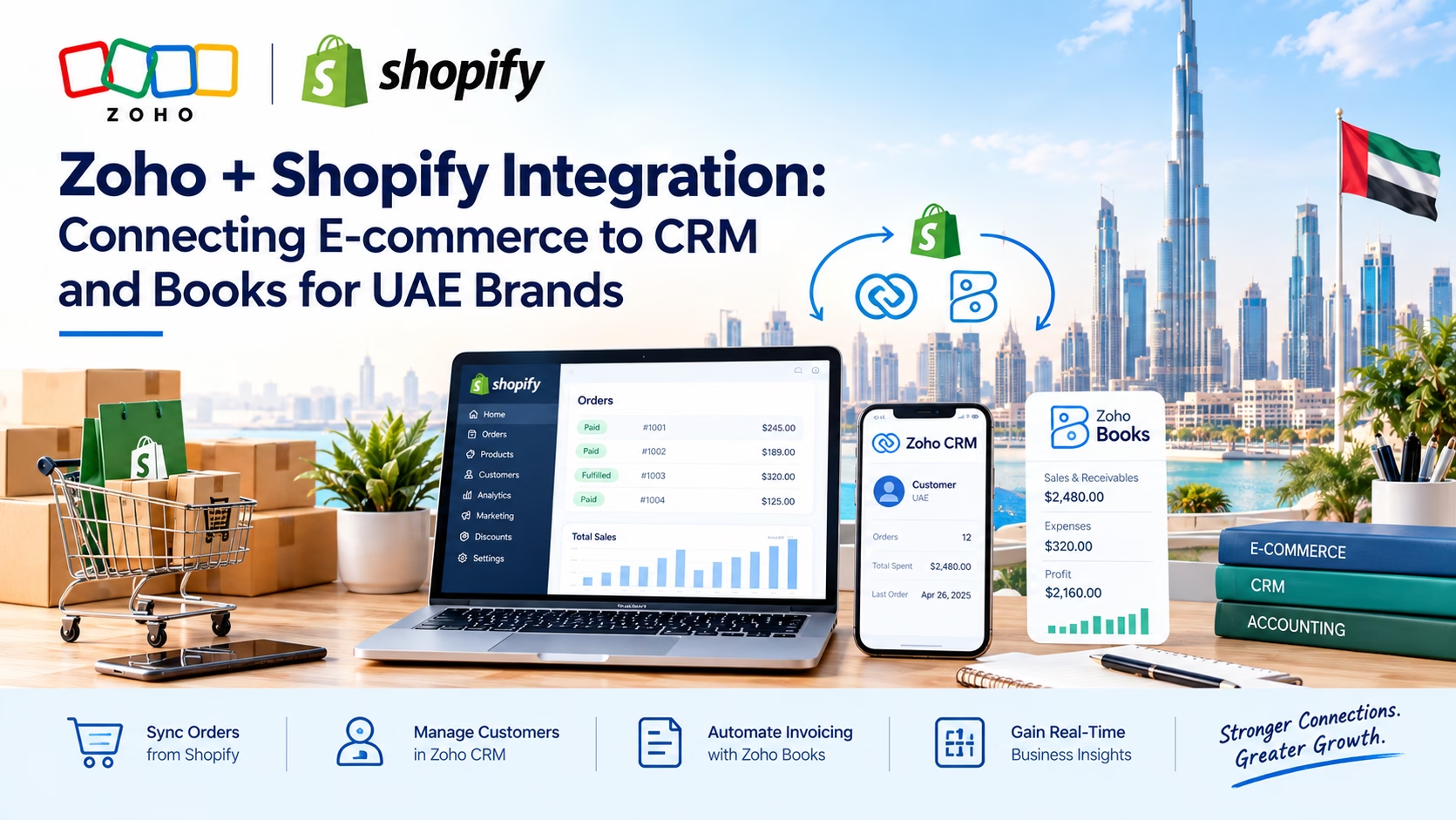
A UAE Zoho Shopify integration store rarely has a data problem because it lacks information — instead, it has one because that information lives in three places that don’t talk to each other. Orders sit in Shopify. Customer relationships, follow-ups, and support tickets sit in a CRM, if anyone tracks them at all. And VAT-compliant invoices, payments, and reconciliation sit in Zoho Books, usually re-typed by hand from a Shopify order screen.
A Zoho Shopify integration exists to close that gap: every order placed on your storefront becomes a CRM contact with full purchase history and a compliant Zoho Books invoice, automatically, without a spreadsheet in between.
What This Guide Covers
This guide covers what a Zoho Shopify integration actually connects, what breaks when UAE brands try to run this manually, and the two ways to build the connection — Zoho Flow versus a custom API integration. It also explains what a proper setup looks like for a brand selling into the UAE, Saudi Arabia, or Bahrain.
What Zoho Shopify Integration Actually Connects
“Integration” is a vague word until you name the three systems it links and what moves between them.
Shopify: The Storefront and Order Source
Shopify is where the sale happens — product catalogue, checkout, payment capture, and order status. On its own, it has no real CRM and only basic financial reporting. Consequently, most growing UAE stores eventually outgrow it as a system of record.
Zoho CRM: Customer Relationships Beyond the Checkout
Zoho CRM turns a one-time Shopify buyer into a tracked contact — purchase history, abandoned-cart follow-up, repeat-customer segmentation, and support interactions all in one record. As a result, this data no longer sits scattered across Shopify’s admin and a support inbox.
Zoho Books: VAT-Compliant Invoicing and Reconciliation
Zoho Books turns a Shopify order into a proper UAE FTA-compliant tax invoice, tracks payments and refunds against it, and reconciles bank and payment-gateway settlements — the part of the workflow most UAE stores still do manually at month-end.
Why Zoho Shopify Integration Matters More for UAE Brands Specifically
- VAT invoicing rules: UAE tax authorities expect proper tax invoices with the correct AED formatting, TRN, and line-item breakdown — a Shopify order confirmation email does not meet that bar on its own.
- Multi-currency and multi-emirate operations: brands selling across the UAE, Saudi Arabia, and Bahrain need consistent currency handling and reporting across all three, which Shopify alone doesn’t manage well.
- Cash-on-delivery reconciliation: COD remains common in GCC e-commerce, and matching COD collections to Zoho Books entries is one of the most common manual-error points we see in UAE stores.
- Growing repeat-customer bases: as a store scales past a few hundred orders a month, tracking customers only inside Shopify’s basic admin stops being workable.
How the Zoho Shopify Integration Works in Practice
A properly built Zoho Shopify integration triggers off events in Shopify and pushes structured data into Zoho automatically:
- New order placed → creates or updates a Zoho CRM contact and deal, and generates a draft or finalised Zoho Books invoice.
- Payment captured → marks the corresponding Zoho Books invoice as paid and reconciles it against the payment gateway or COD batch.
- Order fulfilled or refunded → updates the CRM deal stage and adjusts the Books invoice or issues a credit note.
- Repeat purchase → CRM automatically tags the contact and can trigger a loyalty or win-back workflow instead of treating every order as a first-time buyer.
Zoho Flow vs Custom API Integration: Which Route Fits Your Store
There are two real ways to connect Shopify to Zoho, and the right one depends on how much customisation your order and invoicing workflow actually needs.
Zoho Flow (No-Code Connector)
Zoho Flow’s built-in Shopify connector covers the common cases — order-to-invoice, contact creation, basic status syncing — with configuration rather than custom code. Therefore, it’s the faster, lower-cost route for stores with a fairly standard checkout and invoicing flow.
Custom API Integration
Stores with non-standard requirements — split invoicing by product line, multi-warehouse fulfilment, marketplace orders alongside direct Shopify sales, or bespoke approval steps before an invoice is issued — usually need a custom build against the Zoho API and Shopify’s Admin API directly. This route is slower to set up, but it avoids forcing an unusual workflow into a generic connector’s limitations.
Common Zoho Shopify Integration Mistakes We See in UAE Stores
- Connecting Shopify only to Zoho Books and skipping CRM, which leaves customer data siloed exactly where it started.
- Mapping Shopify’s default tax settings directly into Zoho Books without checking they match UAE VAT invoice requirements.
- No handling for partial refunds or cancelled COD orders, which quietly breaks reconciliation a few weeks later.
- Treating the integration as a one-time setup instead of something that needs adjusting as product lines, currencies, or fulfilment partners change.
How Al Fahad IT Consulting Helps UAE Brands Build This
As a certified Zoho Premium Partner delivering Zoho implementation and API integration work across the UAE, Saudi Arabia, and Bahrain, we help e-commerce brands with:
- Integration Assessment: we review your current Shopify setup, order volume, and manual workarounds to recommend Zoho Flow or a custom API build.
- Zoho CRM + Books Configuration: we set up VAT-compliant invoice templates, tax mapping, and CRM pipelines built around repeat e-commerce customers, not generic B2B deals.
- Custom API Development: we build direct Zoho API and Shopify Admin API integrations for stores with non-standard invoicing, multi-warehouse, or marketplace requirements.
- Reconciliation Workflows: we automate COD, gateway settlement, and refund matching between Shopify and Zoho Books.
- Ongoing Support: we adjust the integration as your product catalogue, currencies, or fulfilment setup change.
Frequently Asked Questions About Zoho Shopify Integration
Q1: Can Shopify connect to Zoho Books without connecting to Zoho CRM as well?
Yes, technically — but most UAE brands that do this end up rebuilding the CRM connection within a year, once they need to track repeat customers or run win-back campaigns. Setting up both from the start avoids a second implementation project later.
Q2: Does the integration handle UAE VAT invoicing automatically?
It can, once you correctly map tax rates and invoice templates in Zoho Books during setup. The integration itself only moves data — VAT compliance depends on how you configure the Books side, which is why this step needs careful checking rather than being left on Shopify’s default tax settings.
Q3: Is Zoho Flow enough, or do we need a custom API integration?
Zoho Flow covers standard order-to-invoice and contact-creation workflows well. A custom API build is worth the extra cost only when your store has non-standard requirements — split invoicing, multi-warehouse fulfilment, or marketplace orders alongside Shopify.
Q4: How long does a Zoho Shopify integration take to set up?
A Zoho Flow-based setup typically takes one to two weeks, depending on tax and invoice template configuration. In contrast, a custom API integration with non-standard requirements usually runs four to eight weeks.
Q5: What happens to historical Shopify orders when we integrate?
You can backfill historical orders into Zoho CRM and Books as part of setup. However, most UAE stores choose to backfill only the last six to twelve months to keep the initial migration manageable and avoid importing stale or cancelled data.
Getting the Zoho Shopify Integration Setup Right for How Your Store Actually Sells
The value of a Zoho Shopify integration isn’t the connection itself — instead, it’s what stops happening manually once it’s built: no more re-typing orders into invoices, no more customer history trapped in Shopify’s admin panel, and reconciliation that matches automatically instead of at month-end.
Whether you’re based in Dubai, Riyadh, or Manama, Al Fahad IT Consulting’s Zoho API & third-party integration services bring certified Zoho Premium Partner experience to connect Shopify to Zoho CRM and Books the right way for your order volume and product mix.
Contact our team today for a free, no-obligation review of your current Shopify and Zoho setup.
Related Reading on the Al Fahad IT Consulting Blog
This post is part of a broader series on Zoho API and third-party integrations for GCC businesses. For related reading:
- What is Zoho Recruit? A Detailed Breakdown for GCC Businesses
- Zoho CRM AI Agents 2026: How Zia Qualifies Leads, Books Meetings & Updates Pipeline Automatically
Talk to a Zoho Shopify Integration Specialist
Al Fahad IT Consulting is a Zoho Premium Partner with active Zoho Shopify integration builds for e-commerce brands across UAE, Saudi Arabia, and Bahrain.
We configure your CRM pipelines, VAT-compliant invoicing, and reconciliation workflows aligned to how your store actually sells — not a generic template.
Book a free Zoho consultation →
نتحدث العربية. تواصل معنا للحصول على استشارة مجانية حول ربط متجر Shopify بنظام Zoho CRM و Books
Al Fahad IT Consulting is a Zoho Premium Partner and Oracle Partner Network member, providing Zoho implementation services across UAE, Saudi Arabia, and Bahrain.


