
Email remains the backbone of professional communication. Yet, with overflowing inboxes, constant notifications, and time-consuming manual tasks, staying productive can be a challenge. Zoho Mail offers powerful features to help you organize, automate, and streamline your email management, so you can focus on what matters most.
Organize Your Inbox with Folders and Labels
An organized inbox is the first step toward productivity:
- Folders: Create separate folders for different projects, clients, or teams.
- Labels: Apply color-coded labels to quickly identify important emails.
- Filters and Rules: Automatically sort incoming emails into designated folders or apply labels based on sender, subject, or keywords.
Well-structured folders and labels reduce clutter and make it easier to prioritize important emails. For more on organizing your inbox, see managing multiple email accounts in Zoho Mail.
Use the Unified Search Feature
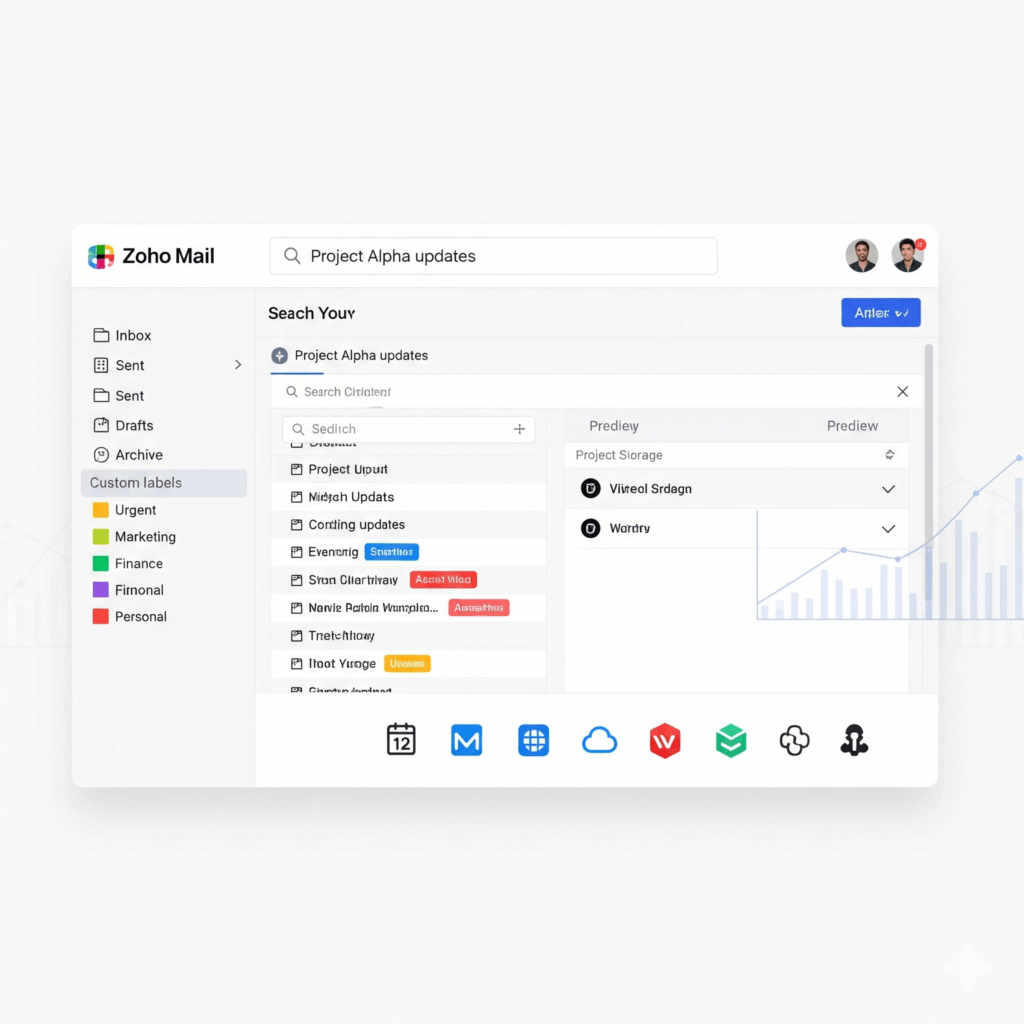
Zoho Mail has a Unified Search that allows you to locate emails across all accounts quickly:
- Enter a keyword, sender name, or phrase in the search bar.
- Use filters to refine your search by account, date, or attachments.
- Access results instantly without scrolling through multiple folders.
This feature saves time and ensures you never lose track of important emails.
Automation Management for efficiency
Automation reduces manual effort and ensures consistency:
- Auto-Responses: Set up automatic replies when you’re unavailable.
- Rules and Filters: Automatically forward, label, or move emails based on specific conditions.
- Templates: Use pre-designed templates for common responses to maintain consistency and save time.
For help with creating effective templates and signatures, see email signature best practices.
Customize Notifications
Constant notifications can be distracting. Zoho Mail allows you to customize alerts:
- Enable notifications only for priority contacts or accounts.
- Use desktop, mobile, or push notifications selectively.
- Assign VIP labels to contacts whose emails require immediate attention.
Proper notification management ensures you stay informed without being overwhelmed, for more information check out how to personalize Zoho Mail interface.
Leverage Zoho Mail Integrations
Zoho Mail integrates with a suite of Zoho applications and third-party tools:
- Zoho Calendar: Schedule meetings and set reminders directly from your inbox.
- Zoho Tasks: Track tasks and deadlines without switching apps.
- Zoho CRM: Manage client communication efficiently.
- Zoho Docs: Attach and collaborate on documents directly in emails.
Integrating these tools centralizes your workflow, improving overall productivity.
Utilize Keyboard Shortcuts
Zoho Mail cloud supports keyboard shortcuts that can save time:
- C – Compose a new email
- R – Reply to an email
- Shift + R – Reply all
- F – Forward an email
- E – Archive the selected email
Learning and using shortcuts can significantly reduce the time spent navigating your inbox.
Prioritize Emails with the Focused Inbox
Zoho Mail’s Focused Inbox separates important emails from less critical messages:
- Focused Tab: Displays emails that require immediate attention.
- Other Tab: Contains newsletters, updates, and low-priority messages.
This ensures you address high-priority emails first, enhancing productivity and reducing missed communications.
Schedule Emails for Optimal Timing
Zoho Mail allows you to compose emails in advance and schedule them for delivery:
- Send emails at times when recipients are most likely to read them.
- Plan follow-ups and campaigns without manual sending.
Scheduling emails improves response rates and ensures timely communication.
Monitor and Optimize Your Email Habits
Track your email usage to identify productivity bottlenecks:
- Use Zoho Mail analytics to monitor response times and email traffic.
- Identify emails that require templates or automation.
- Adjust workflows to minimize unnecessary back-and-forth communication.
Conclusion
Email doesn’t have to be a source of stress. With Zoho Mail’s productivity features, from Focused Inbox to automation and seamless integrations, you can take control of your inbox, save hours every week, and maintain a professional edge. Stuck between Zoho Mail vs. G Suite? Here is a complete difference between Zoho Mail and G Suite to help you make a better decision.
Start applying these strategies today and experience the difference in your daily workflow.


