
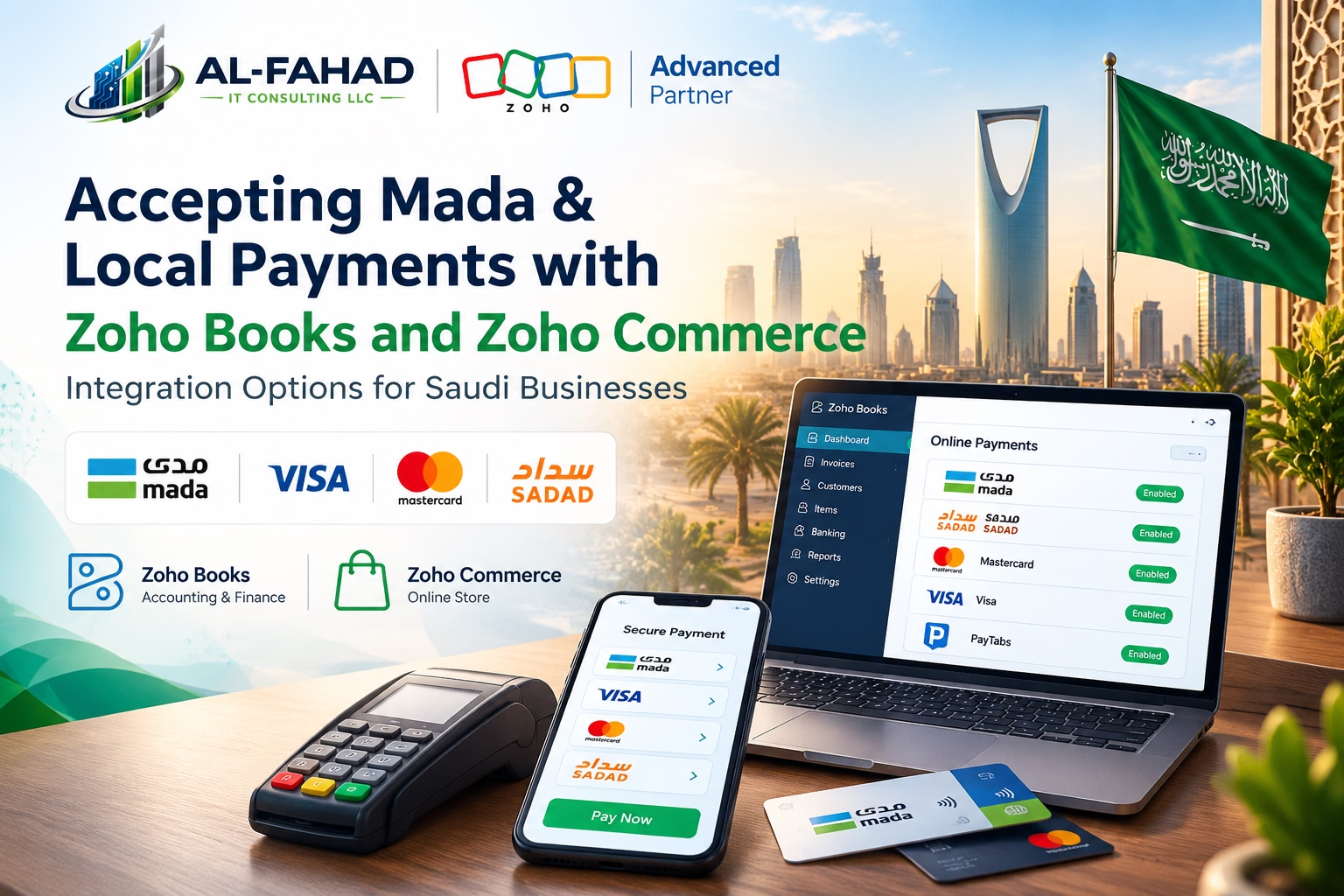
In Saudi Arabia, a checkout without Mada loses customers. Local debit cards remain the way many shoppers prefer to pay, so any Saudi eCommerce or retail business needs a payment setup that accepts them and also keeps the books correct. This guide covers Zoho Books Saudi payments — the gateway options available, what Zoho Commerce offers, how Mada fits in, and when a custom integration is the right answer.
Gateway lists and local payment methods change, so we point to what Zoho documents publicly and tell you where to check before you commit. If your needs go beyond what is built in, our Zoho API and third-party integration services and Zoho integration services are designed for exactly that.
| Key Takeaways • Zoho’s help documentation lists PayTabs as a Zoho Books Saudi payments option, with SADAD and Mada named as the local methods. That is the clearest native route we could verify. • Zoho Commerce supports a range of global gateways and has announced a Tap Payments integration offering Mada. Confirm its current status in your account before you build a plan around it. • If your preferred Saudi gateway is not available natively, the usual answer is a custom integration through APIs, webhooks, Zoho Flow, or Zoho Creator, so that payments still update Zoho Books automatically. • The hard part is rarely the checkout. It is reconciliation: matching gateway payouts, fees, refunds, and VAT to the right invoices. |
Why Zoho Books Saudi Payments Setup Matters
A Saudi shopper expects to pay the way they usually pay. That means Mada debit cards, alongside Visa and Mastercard, and for some businesses bank-based methods such as SADAD. A store that offers only international cards and no local option often sees more abandoned checkouts. A business that sends invoices but offers no online payment link waits longer to be paid.
The question for a Zoho user is how those payments reach Zoho. If a customer pays through a gateway and someone then types the payment into Zoho Books by hand, you have created a reconciliation job that grows with every order. Getting Zoho Books Saudi payments configured correctly from the start saves significant manual work.
What Mada Is, and Why It Is Not Just Another Card
Mada is Saudi Arabia’s national debit payment network. In practice, businesses do not connect to Mada directly. They accept Mada through a payment gateway or acquirer that supports it. So when you ask whether Zoho supports Mada, the real question is whether the gateway you want to use is connected to Zoho, and whether Mada is enabled on your merchant account.
That distinction explains most of the confusion in this area, so keep it in mind through the rest of this guide.
Zoho Books Saudi Payments: Gateway Options Available
In Zoho Books, you connect a gateway under Settings, then Online Payments. Customers can then pay an invoice from the emailed link or the customer portal.
PayTabs: The Verified Native Gateway for Zoho Books Saudi Payments
Zoho’s help documentation for the PayTabs integration lists Saudi Arabia among its supported countries (alongside the UAE, Oman and Kuwait) and names SADAD and Mada as the local methods for Saudi Arabia. The setup steps are straightforward:
- Open Settings, then Online Payments, and choose PayTabs
- Enter your PayTabs account credentials
- Optionally link a Zoho Books bank account to track PayTabs receipts
- Enable PayTabs in the Payment Options of each invoice
Zoho’s documentation notes some limits worth knowing. Customer records need an email, phone number and full billing address. PayTabs must be enabled on each invoice. Changing the merchant email or merchant ID means removing and re-adding the integration. The page does not cover fees, refunds or SAR-specific rules, so ask PayTabs and your Zoho partner about those.
Other Saudi Payment Gateways in Zoho Books
Zoho Books also lists other gateways, such as Stripe and 2Checkout, but their availability depends on your country and Zoho’s current support list, and they may not offer Mada. Do not assume that a gateway popular in Saudi Arabia, such as HyperPay or Moyasar, is available natively. Check the integration list inside your own Zoho Books account, which is the authoritative source for your region.
Zoho Commerce and Zoho Books Saudi Payments
Zoho Commerce is Zoho’s online store builder, with a built-in right-to-left builder for Arabic stores. Zoho’s announcement of its Arabic store builder said Commerce works with a range of payment gateways, including PayTabs, PayPal, 2Checkout and Stripe, and that an integration with Tap Payments, offering local methods including Mada, was set to go live. We could not confirm the current availability of the Tap integration for Saudi merchants, so check it in your account before you plan around it.
Questions to settle before choosing:
- Is your gateway available inside Zoho Commerce for Saudi merchants today?
- Is Mada enabled on that gateway for your merchant account?
- Does the payment flow back into Zoho Books automatically, or will someone record it?
- How are refunds handled, and where are they recorded?
Integration Methods Compared
There are several ways to connect a Saudi payment gateway to Zoho Books. They differ in speed, flexibility and upkeep.
| Integration Method | How It Works | Best For | Watch Out For |
| Native gateway in Zoho Books | Connect a supported gateway under Settings, then Online Payments; customers pay from the invoice link or portal | Invoice-based businesses wanting a quick setup | Limited to the gateways Zoho supports in your country |
| Native gateway in Zoho Commerce | Select a supported gateway for the online store checkout | Stores selling products online | Gateway list and local methods vary; confirm what is live |
| Zoho Flow or webhooks | Gateway events trigger actions in Zoho, such as recording a payment | Gateways with webhooks but no native Zoho link | Needs careful mapping and error handling |
| Custom API integration | Built with the Zoho Books and Commerce APIs plus the gateway’s API | Specific gateways, complex rules, high volume | Needs development, testing, and maintenance |
| Zoho Creator or Deluge middleware | A small app sits between the gateway and Zoho, handling logic and logging | Multi-step workflows and custom reconciliation | More moving parts to support |
A native connection is the best starting point when it covers your gateway and payment methods. Custom work earns its place when it does not, or when you need rules the native option cannot express.
When a Custom Zoho Books Saudi Payments Integration Makes Sense
Custom integration is not a default. It adds cost and maintenance, so use it when the situation calls for it:
- Your preferred gateway is not native: for example, a Saudi gateway that your bank or acquirer requires, or one with better Mada rates.
- You need several payment methods in one flow: Mada, cards, bank transfer and cash on delivery recorded consistently.
- Payments must update several systems: Zoho Books, Zoho Commerce, Zoho Inventory and a courier or warehouse tool.
- You need automatic reconciliation: matching payouts, fees and refunds to invoices without a manual spreadsheet.
- You have a custom storefront: a website not built on Zoho Commerce that still needs to post orders and payments into Zoho Books.
A custom integration typically uses the Zoho Books and Zoho Commerce APIs, the gateway’s API and webhooks, and Zoho Flow, Deluge or Zoho Creator to hold the logic in between. Done well, a Mada payment that succeeds at the gateway appears in Zoho Books against the right invoice without anyone touching it. Learn more about how we approach this on our Zoho integration services page.
Reconciliation: The Part That Makes or Breaks the Setup
Taking the payment is the easy half. Keeping the accounts right is where projects go wrong, so design for it from the start.
| Reconciliation Item | Why It Needs Attention |
| Gateway fees | Payouts arrive net of fees, so the amount in your bank differs from the invoice total |
| Settlement timing | Customers pay today; the money lands in your bank on the gateway’s schedule |
| Refunds and chargebacks | Must reverse the right invoice and keep VAT correct |
| Partial and failed payments | Invoices must not show as paid when they are not |
| Multiple payment methods | Mada, cards, wallets, and bank transfer may settle differently |
| VAT and e-invoicing | Invoices must keep their tax details regardless of how the customer paid |
If you issue e-invoices in Saudi Arabia, make sure the payment flow does not break your invoicing setup. See our guide on Saudi VAT compliance with Zoho Books for the finance side.
Implementation Requirements: What to Prepare
| Requirement | What to Prepare |
| Merchant account | An approved merchant account with your chosen Saudi gateway, which takes time and documents |
| Business documents | Commercial registration, bank details, and whatever the gateway requests |
| Customer data | Email, phone, and billing address on customer records; Zoho’s PayTabs guidance asks for these |
| Currency setup | SAR as the base currency, plus any other currencies you sell in |
| Test environment | Sandbox credentials to test payments before going live |
| Reconciliation rules | Who owns matching payouts to invoices, and how often |
| Technical access | API keys, webhook endpoints, and an owner for credentials |
Merchant account approval is often the slowest step, and it sits outside Zoho. Start it early, ideally while the Zoho configuration is being planned.
Limitations to Plan Around
- Native gateway lists are fixed by Zoho and vary by country, so your preferred provider may not be there
- A gateway may support Mada, while the Zoho integration may not expose every method or setting
- Fees, settlement timing, refund rules and limits are set by the gateway, not by Zoho
- Custom integrations need testing, monitoring and someone responsible for them over time
- Gateway or Zoho changes can affect an integration, so keep documentation and credentials in order
A Practical Rollout Plan for Zoho Books Saudi Payments
- Choose the gateway first. Pick based on Mada support, fees, settlement time, and whether Zoho supports it natively.
- Confirm the Zoho route. Check the Online Payments list in Zoho Books and the gateway list in Zoho Commerce for your account.
- Start the merchant onboarding. Submit documents early, since approval takes time.
- Configure and test in a sandbox. Run successful, failed, partial and refunded payments before any real customer pays.
- Set reconciliation rules. Decide who matches payouts to invoices and how fees are recorded.
- Go live and monitor. Watch the first weeks closely, then settle into a regular review.
How Al Fahad IT Consulting Helps
As a certified Zoho Premium Partner across Saudi Arabia, the UAE and Bahrain, we help Saudi businesses accept local payments and keep their Zoho data clean:
- Gateway selection and setup: matching your business to a gateway that supports Mada, and configuring it in Zoho Books or Zoho Commerce.
- Custom integration: API, webhook, Flow and Creator work when native options fall short.
- Reconciliation design: rules so fees, refunds and payouts post correctly.
- Support: ongoing help as gateways, products and requirements change.
Frequently Asked Questions
Does Zoho Books Saudi payments support Mada?
Zoho’s documentation lists PayTabs as a Zoho Books integration for Saudi Arabia, naming Mada and SADAD as the local methods. Mada must also be enabled on your PayTabs merchant account. Check the Online Payments list in your own account for the current options.
Which payment gateways work with Zoho Books in Saudi Arabia?
PayTabs is the native option we could verify for Saudi Arabia. Other gateways exist in Zoho Books for other regions. For Saudi gateways that are not listed, a custom integration can connect them.
Can Zoho Commerce accept Mada?
Zoho announced a Tap Payments integration for Zoho Commerce offering local methods including Mada. Confirm that it is available for Saudi merchants in your account before relying on it.
Can I connect HyperPay or Moyasar to Zoho?
Not as a confirmed native option in our research. A custom integration using the gateway’s API and Zoho’s APIs can usually be built, which should be scoped and tested for your case.
What is the difference between a native and a custom integration?
A native integration is built and maintained by Zoho and is quick to enable. A custom integration is built for your needs and gives more flexibility, with development and upkeep that someone must own.
Will Zoho Books Saudi payments update automatically?
With a native integration, payments made through the gateway are recorded against the invoice. With a custom setup, this is part of what we build and test.
How long does setup take?
Gateway merchant approval often takes longer than the Zoho configuration, so start it early. A native setup is quick once you have credentials, while a custom integration depends on scope.
Accept Local Payments the Right Way
A Zoho Books Saudi payments setup that supports Mada and posts cleanly into your books saves hours every week and keeps customers from abandoning checkout. Start with what Zoho supports natively, and use custom integration where it genuinely adds value.
Contact Al Fahad IT Consulting to discuss your Saudi payment integration. You can also read about Zoho Commerce, our Zoho API and third-party integrations, and Zoho integration services.
Related Reading on the Al Fahad IT Consulting Blog
Talk to a Zoho Specialist
Al Fahad IT Consulting is a Zoho Premium Partner with active implementations across UAE, Saudi Arabia, and Bahrain.
We configure Zoho solutions aligned to your business processes, compliance requirements, and operational scale — not a generic template.
Book a free Zoho consultation →
نتحدث العربية. تواصل معنا للحصول على استشارة مجانية في تكامل بوابات الدفع مع Zoho
Al Fahad IT Consulting is a Zoho Premium Partner and Oracle Partner Network member, providing Zoho implementation services across UAE, Saudi Arabia, and Bahrain.


Leave a Reply