
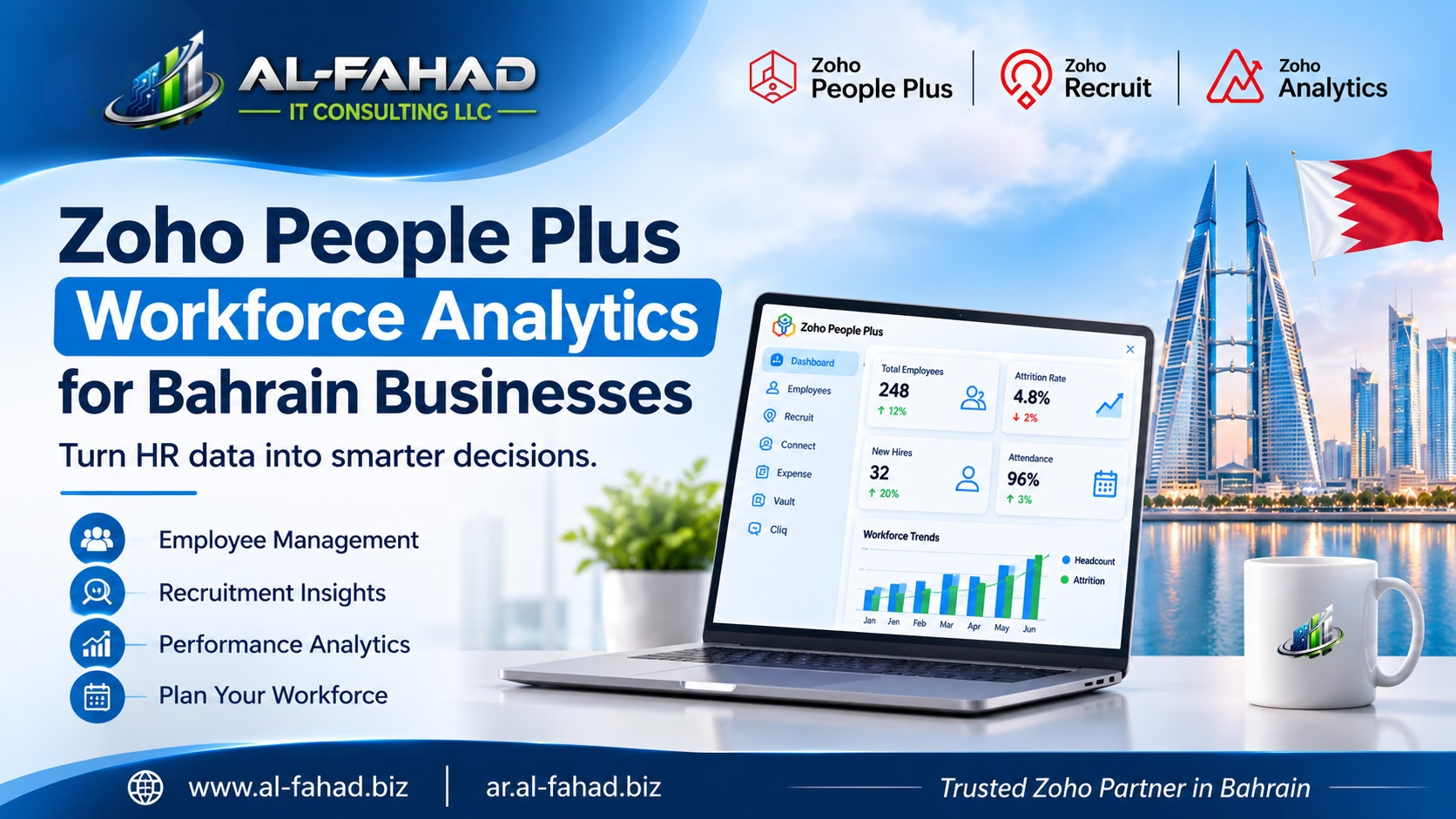
Zoho People Plus Bahrain projects increasingly start with a simple frustration. The owner asks how many people the company has, how many left this year, and where the gaps are. The answer takes two days and three spreadsheets to put together. This guide shows how Bahrain businesses can use Zoho People Plus to analyse workforce data, monitor performance, track HR trends, and plan headcount with confidence.
Al Fahad IT Consulting is a certified Zoho partner for Bahrain. You can read more about our Zoho partner services in Bahrain.
| Key Takeaways: Zoho People Plus Bahrain brings HR apps together — People, Recruit, Connect, Expense, Vault, and Cliq — so workforce data sits in one connected place instead of spreadsheets. Zoho People has built-in HR reports, and its Zoho Analytics integration adds ready-made dashboards for employees, hiring and attrition, tasks and time tracking, plus custom reports. Analytics is only as good as the data behind it: clean employee records, consistent fields, and agreed definitions matter more than the number of charts. Employee data is personal data, so Bahrain businesses should plan analytics with the Personal Data Protection Law in mind and take advice on their specific obligations. |
What Is Zoho People Plus?
Zoho People Plus is Zoho’s integrated HR suite. Zoho lists the included apps as People, Recruit, Connect, Expense, Vault, and Cliq. The apps are integrated automatically, with Recruit, People, Cliq, and Connect synced to users by default. A fuller HR picture is what makes analytics possible. Hiring, attendance, leave, performance, and communication are connected, not scattered.
| App in Zoho People Plus | Role in Workforce Analytics |
| Zoho People | Core employee records, attendance, leave, and HR reports — the main source of workforce data |
| Zoho Recruit | Hiring pipeline data, so recruitment can be linked to headcount planning |
| Zoho Connect | Internal communication and engagement, such as announcements and feedback |
| Zoho Expense | Employee expense data, where used |
| Zoho Vault | Secure storage of shared credentials |
| Zoho Cliq | Team messaging, synced to users by default |
App availability and plan tiers can change, and some features differ by region. Zoho’s own listing notes that its payroll app within the suite is available only in India, so Bahrain payroll needs to be planned separately. Confirm current inclusions with Zoho or with us before you buy.
Why Workforce Analytics Matters for Bahrain Businesses
Bahraini businesses, from family groups to fast-growing SMEs and regional offices, often manage staff across several nationalities, locations, and contract types. Decisions about hiring, retention, and Bahrainisation targets depend on accurate numbers. A spreadsheet maintained by one person is a weak foundation. Good workforce analytics helps leaders:
- See headcount, growth, and turnover without asking HR for a special report.
- Spot problems early, such as a department with rising attrition.
- Plan hiring and budgets with real data.
- Give managers the information they need about their own teams.
- Answer questions from owners, boards, and auditors quickly.
What You Can Measure with Zoho People Plus
| Question Leaders Ask | Metric to Track | What It Helps You Decide |
| Are we growing or shrinking? | Headcount and employee growth rate | Hiring plans and budget |
| Are we keeping people? | Attrition and hiring over time | Retention efforts and where to focus them |
| Where are the gaps? | Headcount by department, location, designation, and status | Workforce planning and restructuring |
| Is attendance healthy? | Attendance summary and absence patterns | Scheduling, policy, and payroll inputs |
| Is time well used? | Estimated versus logged hours, task completion | Capacity planning and project staffing |
| Is hiring working? | Time to hire and source quality from the recruiting pipeline | Recruitment spend and process fixes |
| Are people developing? | Performance review completion and goal progress | Training and promotion decisions |
Start with the questions leadership actually asks, then pick the metrics that answer them. A dashboard with thirty charts that nobody opens is worse than five that drive decisions.
Analytics in Zoho People: Three Levels
| Level | What You Get | Best For |
| Built-in Zoho People reports | Pre-built reports at individual, team, and organisation level, including employee information, hiring versus attrition, and growth | Most small and mid-sized teams starting out |
| Zoho Analytics integration | Ready-made dashboards for Employee, Hiring and Attrition, Tasks and Time Tracking, plus drag-and-drop custom reports and sharing controls | Teams that need custom views, cross-department dashboards, or management reporting |
| Custom data model and dashboards | Your own KPIs, combined with finance or sales data, with an agreed definition for each | Larger or multi-entity groups |
Built-in Reports
Zoho People includes pre-built HR reports organised at individual, team, and organisation level. They cover employee information such as breakdowns by designation, experience, status, and location, hiring versus attrition by month, quarter, or year, and workforce growth over time. For many businesses, this is enough to replace the monthly spreadsheet.
Zoho Analytics Integration
For deeper analysis, Zoho People connects to Zoho Analytics. According to Zoho’s documentation, it provides ready-made dashboards for Employee, Employee Hiring and Attrition, Tasks, and Time Tracking, plus reports such as Employee Growth Rate and Attendance Summary. You can build custom reports with drag-and-drop, share them with chosen users, and set the data sync schedule. A paid Zoho Analytics plan is required, so factor that into the budget.
Zoho’s documentation also lists limits worth knowing. Performance-service data is not supported in this integration. Zoho People permissions do not carry over to Zoho Analytics, so dashboards must be shared deliberately. Some attendance data also follows special sync rules. A good implementation designs around these rather than discovering them after go-live.
Custom KPIs and Management Dashboards
Larger groups often want their own definitions: cost per hire, regretted attrition, headcount against budget, or Bahrainisation progress by department. This is design work as much as technical work, because every KPI needs an agreed definition and a data source.
Monitoring Employee Performance, Responsibly
Performance data is where analytics can help most and do the most damage if misused. Zoho People supports goals, appraisals, and reviews, and those records can show completion rates, rating distributions, and trends. A few principles keep this useful:
- Measure outcomes, not activity: goal progress and review results say more than hours logged.
- Use consistent criteria: comparisons mean nothing if managers rate differently.
- Combine numbers with conversations: a dashboard starts a discussion; it does not replace judgement.
- Limit who sees individual data: managers see their teams, HR sees more, and leadership usually needs aggregates.
- Tell your people what is tracked: trust falls when employees discover monitoring they were not told about.
Because Zoho’s analytics integration does not sync performance-service data, performance reporting may rely on Zoho People’s own reports or a custom approach. Confirm what you need before promising a specific dashboard.
Workforce Planning: From Reports to Decisions
1. Establish the Baseline
Know your current headcount by department, location, role, and contract type, from clean records.
2. Track the Trends
Watch hiring, attrition, and growth over time, not just this month’s snapshot.
3. Find the Pressure Points
Identify departments with high turnover, heavy absence, or thin coverage.
4. Link Plans to Numbers
Connect hiring plans, budgets, and training to the data, with owners and dates.
5. Review Regularly
Set a monthly or quarterly review so the dashboards become a habit.
Data Protection and Privacy in Bahrain
Employee data is personal data, and some of it is sensitive. Bahrain’s Personal Data Protection Law (PDPL), enacted in 2018 and in force since August 2019, sets rules for how organisations collect, use, and transfer personal data. It includes restrictions on transfers outside Bahrain, rights for individuals, and a regulator that can investigate and fine. Workforce analytics should be designed with these in mind.
| Planning Point | What to Do |
| Know what you collect | List the employee data in your HR system and why you hold it |
| Limit access | Share dashboards with specific roles, and remember that Zoho People permissions do not automatically carry over to Zoho Analytics |
| Be careful with sensitive data | Health, religion, union membership, and similar information should not appear in general dashboards |
| Check cross-border transfers | The PDPL restricts transfers of personal data outside Bahrain; confirm where your data is hosted and what applies |
| Be transparent with staff | Tell employees what is measured and why |
| Get advice | Confirm your obligations with your legal or compliance adviser; this article is not legal advice |
Obligations depend on your business, sector, and where data is stored. Take advice from your legal or compliance adviser, and treat this section as a starting checklist, not legal advice. You can check current guidance from Bahrain’s Personal Data Protection Authority.
Implementing Zoho People Plus for Analytics: What to Prepare
- Clean employee records: consistent departments, designations, locations, and dates, with no duplicates.
- Agreed definitions: what counts as headcount, attrition, and a leaver, so numbers match across reports.
- A named HR owner: someone who keeps data accurate and answers questions.
- Roles and access: who sees what, from managers to leadership.
- Local requirements: leave, public holidays, Ramadan hours, expatriate documents, and Bahrainisation tracking, set up to reflect how you operate.
- Training: managers and HR trained to use the dashboards, not only to view them.
For a regional comparison, see how HR teams use the suite in our guide to Zoho People Plus in Jeddah.
Common Mistakes with HR Analytics
- Building dashboards before cleaning the underlying data.
- Tracking too many metrics, so none drive action.
- Using different definitions of the same number in different reports.
- Sharing individual-level data too widely.
- Treating analytics as a one-off project instead of a regular review.
- Forgetting the budget for a paid Zoho Analytics plan when it is needed.
How Al Fahad IT Consulting Helps Bahrain Businesses
- Implementation: Zoho People Plus configured for your organisation, policies, and local requirements.
- Data migration: moving employee records from spreadsheets or older HR systems, with checks.
- Analytics design: workforce dashboards built around the questions your leaders ask.
- Integrations: connecting HR with Zoho Books, CRM, or other systems, including the wider Zoho One suite.
- Training and support: so HR and managers keep using the system after go-live.
Frequently Asked Questions
What is Zoho People Plus?
Zoho People Plus is Zoho’s integrated HR suite. Zoho lists People, Recruit, Connect, Expense, Vault, and Cliq as included apps, connected so that HR data works together.
Can Zoho People Plus produce workforce analytics?
Yes. Zoho People includes pre-built HR reports, and its Zoho Analytics integration adds dashboards for employees, hiring and attrition, tasks and time tracking, plus custom reports. The integration needs a paid Zoho Analytics plan.
Can I track employee performance in Zoho People Plus?
Zoho People supports goals and appraisals. Zoho’s documentation says performance-service data is not supported in its analytics integration, so confirm how you will report on performance before you commit to a dashboard design.
Is Zoho People Plus Bahrain Right for Your Business?
Zoho People Plus Bahrain implementations can work well, particularly for businesses wanting connected HR, hiring, and communication. Local needs such as payroll, leave rules, expatriate documents, and Bahrainisation tracking should be planned during implementation.
Does Zoho Payroll work in Bahrain?
Zoho lists its payroll app within People Plus as available only in India, so Bahrain payroll needs a separate plan. Ask us about options for your situation.
How does Bahrain’s data protection law affect HR analytics?
Employee data is personal data, and some of it is sensitive. The PDPL covers consent, transfers outside Bahrain, and individual rights. Take advice from your legal adviser and design access and hosting accordingly.
How long does implementation take?
It depends on the number of employees, data quality, and how many apps and dashboards you need. A short discovery phase should give you a plan with dates.
Book a Zoho People Plus Bahrain Consultation
Zoho People Plus Bahrain should make leadership meetings shorter and decisions better. If your HR data lives in spreadsheets and your leaders still wait days for basic numbers, a structured setup is a practical next step.
Book a Zoho consultation with Al-Fahad IT Consulting. You can also explore Zoho People Plus and our Zoho partner services in Bahrain.
Talk to a Zoho People Plus Specialist in Bahrain
Al Fahad IT Consulting is a Zoho Premium Partner with active Zoho People Plus and HR analytics implementations across Bahrain, UAE, and Saudi Arabia.
We handle HR data migration, dashboard design, local compliance setup, and manager training aligned to your business — not a generic template.
Book a free Zoho consultation →
نتحدث العربية. تواصل معنا للحصول على استشارة مجانية حول تطبيق Zoho People Plus وتحليلات القوى العاملة في البحرين
Al Fahad IT Consulting is a Zoho Premium Partner and Oracle Partner Network member, providing Zoho People Plus and HR analytics implementation services across UAE, Saudi Arabia, and Bahrain.


