
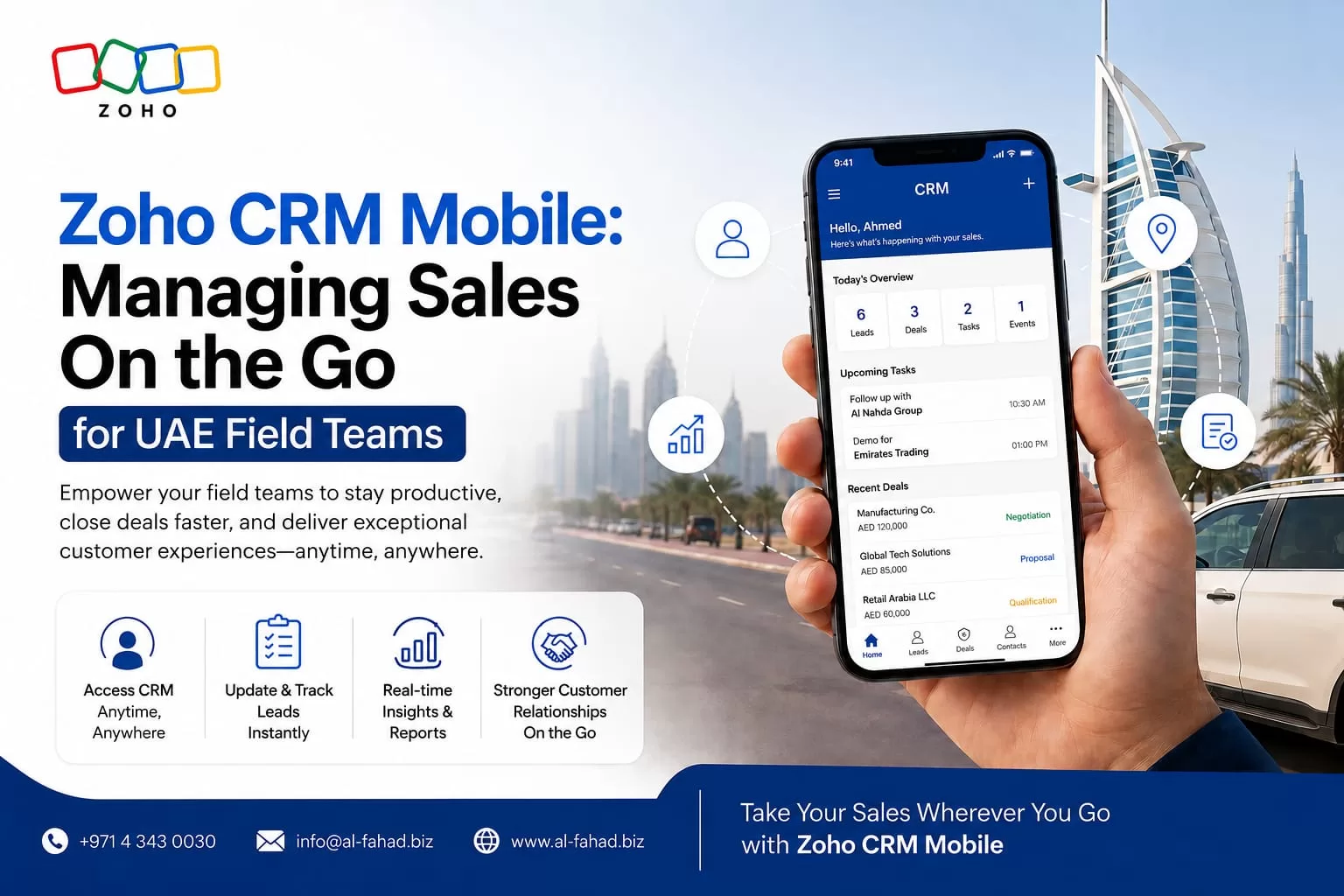
Picture a field sales rep driving between Al Qusais and Sharjah. Or a technician checking in at a client site in Dammam. Or an account manager closing a deal from an airport lounge before a flight to Manama. None of them sit at a desk. None of them can wait until they get back to one to update a deal, log a call, or check what happened on an account. A Zoho CRM UAE rollout has to work for people like this, not just for someone sitting in an office all day.
Mobile Can’t Be an Afterthought
A Zoho CRM implementation only delivers real productivity gains when the mobile app becomes the primary tool for reps. That’s true for anyone who spends most of their day away from a laptop. Bolting mobile on as an afterthought to a desktop-first rollout won’t get you there.
Many UAE, Saudi, and Bahrain businesses fall into this gap. They spend careful effort on the desktop configuration — pipelines, automation, dashboards. Then they leave the mobile experience on default settings, assuming reps will figure it out. For a field-heavy business, that default setup usually causes missed check-ins. Deals only get updated once a rep returns to the office. The CRM ends up reflecting yesterday’s reality, not today’s.
This guide draws on our own experience configuring Zoho CRM mobile deployments for field sales, service, and delivery teams. We work across the UAE, Saudi Arabia, and Bahrain. It covers what the Zoho CRM mobile app actually does for a field rep. It walks through the features that matter most for GCC field operations — offline access, geolocation, and voice notes. And it shows you how to configure the app correctly, so your pipeline stays current wherever your team works.
| Key TakeawaysZoho CRM’s mobile app includes genuine offline functionality. Reps can view, update, and log activity without signal, and changes sync automatically once they’re back online. Geolocation features — near-me search, client check-ins, and map-view territory planning — are built for field teams. They cover multiple emirates or cities in a single day. Voice notes and mobile document attachment let a rep capture a client conversation or sign-off on-site, without retyping it later at a desk. A CRM’s mobile value depends entirely on setup. Default configurations rarely match how a GCC field team actually works, so they usually need deliberate customisation to pay off. |
Why Mobile Matters More for UAE Field Teams Than the Desktop View Ever Will
Field sales, service, and delivery roles in the UAE spend most of the working day away from a desk. They move between client sites in Dubai, Sharjah, and Abu Dhabi, or across the wider GCC. A CRM configured only for desktop use asks that rep to remember every detail of every visit. They have to wait until they can sit down and type it up hours later. By then, details are lost, and the pipeline is already stale.
| Field Reality | Desktop-Only CRM | Zoho CRM Mobile, Configured Correctly |
| Rep visits a client with patchy or no signal | Can’t access account history or log the visit until back online | Full offline access lets reps view, update, and log activity, then sync once signal returns |
| Rep needs to find the nearest unvisited lead | No way to see leads relative to current location | Near-me search and map view show nearby prospects and help plan the day’s route |
| Rep needs proof of an on-site visit | Depends on the rep remembering to log it later, if at all | A one-tap check-in records the visit with location and timestamp automatically |
| Rep captures a verbal agreement or client note | Gets typed up from memory later, and details often get lost | Voice notes and photo or document attachment capture it on the spot |
| Manager needs to see today’s pipeline movement | Waits until reps return and manually update records | Dashboards and CommandCenter show activity in near real time as reps work |
Note: Specific mobile features and their availability can vary by Zoho CRM edition and app version. Check Zoho’s official CRM mobility page for current details, or ask a certified Zoho partner before finalising a rollout plan.
The Zoho CRM UAE Mobile Features That Matter Most for GCC Field Operations
Genuine Offline Access, Not Just a Read-Only Cache
Zoho CRM’s mobile app supports full offline functionality. A rep working inside a basement parking structure, a rural site, or an area with poor coverage can still view records, log activities, and update deals. Every change syncs automatically the moment a connection returns. UAE and Saudi field teams often work across industrial zones, warehouses, or sites outside city centres. For them, that’s the difference between a CRM that works everywhere and one that only works at the office.
Geolocation: Near-Me Search, Check-Ins, and Map View
The app’s near-me feature surfaces nearby leads and accounts based on a rep’s current location. That lets them plan an efficient route between an already-scheduled visit and an opportunistic drop-in. One-tap check-ins log a client visit with location and time automatically. Map view displays prospects as clusters. A manager can then distribute field visits across a team covering multiple emirates or cities, without duplicated effort.
Voice Notes and On-the-Spot Documentation
A rep doesn’t need to remember the details of a client conversation until they’re back at a laptop. They can log a call and add a voice note directly inside the app. They can also attach a signed document or photo to a deal on-site. That immediacy matters for accuracy. A note recorded five minutes after a meeting beats one pieced together from memory at the end of a long day.
Real-Time Dashboards and Alerts on the Move
Field and sales managers can access interactive dashboards from a phone. They can drill into the root cause of a slipping deal, and get real-time alerts on pipeline anomalies. That’s useful for a regional sales manager splitting time between Dubai and Riyadh. They get pipeline visibility without being tied to a desktop.
Setting Up Zoho CRM Mobile for a UAE Field Team: What Actually Needs Configuring
1. Define What “Check-In” Means for Your Business
A generic check-in captures a location and a timestamp. A useful one ties to a specific visit type, an outcome field, and a follow-up action. You need to make these configuration decisions deliberately. Leave them at default, and the check-in data you collect ends up too generic to act on.
2. Decide What Syncs Offline and What Doesn’t
Not every module or custom field needs offline availability for every role. Syncing too much data to every device slows the app and complicates security. Scope offline access by role instead. Match it to what a field rep actually needs on-site, versus what a manager only needs at a desk. That keeps the mobile experience fast and relevant.
3. Configure Bilingual Fields and Notifications
A bilingual GCC sales team needs mobile notifications, quick-entry forms, and voice-note transcription checked for both Arabic and English. Configure these settings deliberately. A default English-only setup slows down exactly the reps who most need mobile speed.
4. Train Around Real Field Scenarios, Not Generic App Tours
Mobile CRM adoption in field teams tends to fail when training covers app features in the abstract. It works better when it follows the actual daily route a rep takes. Build training around real scenarios instead — a multi-stop day in Sharjah, a site visit with no signal. Reps adopt it far faster than a generic feature walkthrough.
5 Signs Your Zoho CRM UAE Rollout Needs a Mobile-First Review
- Deals only get updated when reps are back at the office — a sign the mobile app isn’t the rep’s primary tool.
- Managers can’t see today’s field activity until end of day — real-time visibility is one of mobile CRM’s core advantages, and its absence usually points to a configuration gap.
- Reps default to WhatsApp or personal notes instead of the app — often because the mobile setup is slower than the workaround they’ve found.
- Check-in data is inconsistent or missing entirely — a sign the feature never got properly explained as part of the daily workflow.
- Your last mobile training session was a generic app walkthrough — rather than one built around your team’s actual routes and reporting needs.
How Al Fahad IT Consulting Configures Zoho CRM Mobile for GCC Field Teams
Turning Zoho CRM’s mobile app into the primary tool your field team relies on takes real configuration and training work. It doesn’t happen with a default setting. As a certified Zoho Premium Partner, we deliver Zoho CRM implementation and consulting across the UAE, Saudi Arabia, and Bahrain. Our mobile-focused work includes:
- Field Workflow Mapping: We map how your reps actually move through a day, before configuring check-ins, offline scope, and mobile layouts.
- Offline and Sync Configuration: We scope which modules and fields sync offline by role, so the app stays fast on-site.
- Bilingual Mobile Setup: We configure Arabic and English notifications, quick-entry forms, and voice-note handling for how your team works.
- Geolocation and Territory Configuration: We set up near-me search, map view, and check-in rules to match your real coverage areas.
- Scenario-Based Field Training: We build training sessions around your team’s actual routes and visit types.
Frequently Asked Questions
Q1: Does the Zoho CRM mobile app really work with no internet connection?
Yes. Zoho CRM’s mobile app supports genuine offline access. Reps can view records, log activities, and update deals without a connection. Changes sync automatically once the device is back online. This goes beyond apps that only offer a read-only cache offline.
Q2: Can field managers see rep activity in real time, or only after they check in with the office?
Configure the mobile dashboards and CommandCenter features correctly, and managers see pipeline movement close to real time. That includes check-ins and activity logs as reps work, instead of an end-of-day summary.
Q3: Is the mobile app usable for a bilingual Arabic-English sales team?
The app supports bilingual use, but a team working across Arabic and English needs a few things checked deliberately. That includes notification language, quick-entry form labels, and voice-note handling. This doesn’t happen automatically in a default setup.
Q4: How is Zoho CRM’s mobile offline mode different from competitors like Salesforce or HubSpot mobile?
Independent comparisons of field-sales CRM tools in 2026 note that Zoho CRM’s mobile app stands out for its full offline functionality. Other tools often rely on a limited read-only cache. Exact capabilities change over time, so it’s worth verifying directly before choosing between tools.
Q5: Do we need a specific Zoho CRM edition to get the full mobile feature set?
Core mobile features like offline access, check-ins, and near-me search come broadly available. More advanced capabilities may depend on your specific CRM edition — CommandCenter, advanced dashboards, and certain automation triggers among them. Confirm the current feature-to-edition mapping with Zoho or a certified partner before finalising a plan.
Give Your UAE Field Team a CRM That Works Where They Actually Work
Zoho CRM comes with genuine field-first mobile capability — offline access, geolocation, and voice capture. But that capability only pays off when you configure it around how your team actually spends its day. Don’t leave it on default settings. For a UAE, Saudi, or Bahrain business with reps covering multiple sites or cities, that configuration work is often the single highest-leverage step after go-live.
Whether you’re based in Dubai, Sharjah, or Manama, Al Fahad IT Consulting’s Zoho CRM services bring certified Zoho Premium Partner experience. We configure your mobile CRM around your field team’s real routes and workflows.
Contact our team today for a free, no-obligation review of your Zoho CRM mobile setup.
Related Reading on the Al Fahad IT Consulting Blog
This post is part of a broader series on getting more out of the Zoho suite for GCC sales and field operations. For related reading, see:
- Zoho CRM AI Agents 2026: How Zia Qualifies Leads, Books Meetings & Updates Pipeline Automatically
- Zoho Zia Digital Employees Explained: Give Your Business an AI Workforce
Talk to a Zoho CRM Specialist
Al Fahad IT Consulting is a Zoho Premium Partner with active Zoho CRM implementations across UAE, Saudi Arabia, and Bahrain.
We configure mobile CRM workflows aligned to your field team’s real routes, bilingual requirements, and operational scale — not a generic template.
Book a free Zoho consultation →
نتحدث العربية. تواصل معنا للحصول على استشارة مجانية في إعداد نظام Zoho CRM للفرق الميدانية
Al Fahad IT Consulting is a Zoho Premium Partner and Oracle Partner Network member. We provide Zoho CRM implementation services across UAE, Saudi Arabia, and Bahrain.
Disclaimer: Specific mobile features and their availability vary by Zoho CRM edition and app version. Always confirm current capabilities with Zoho or a certified Zoho partner before finalising a rollout plan. This article is for informational purposes only.


