
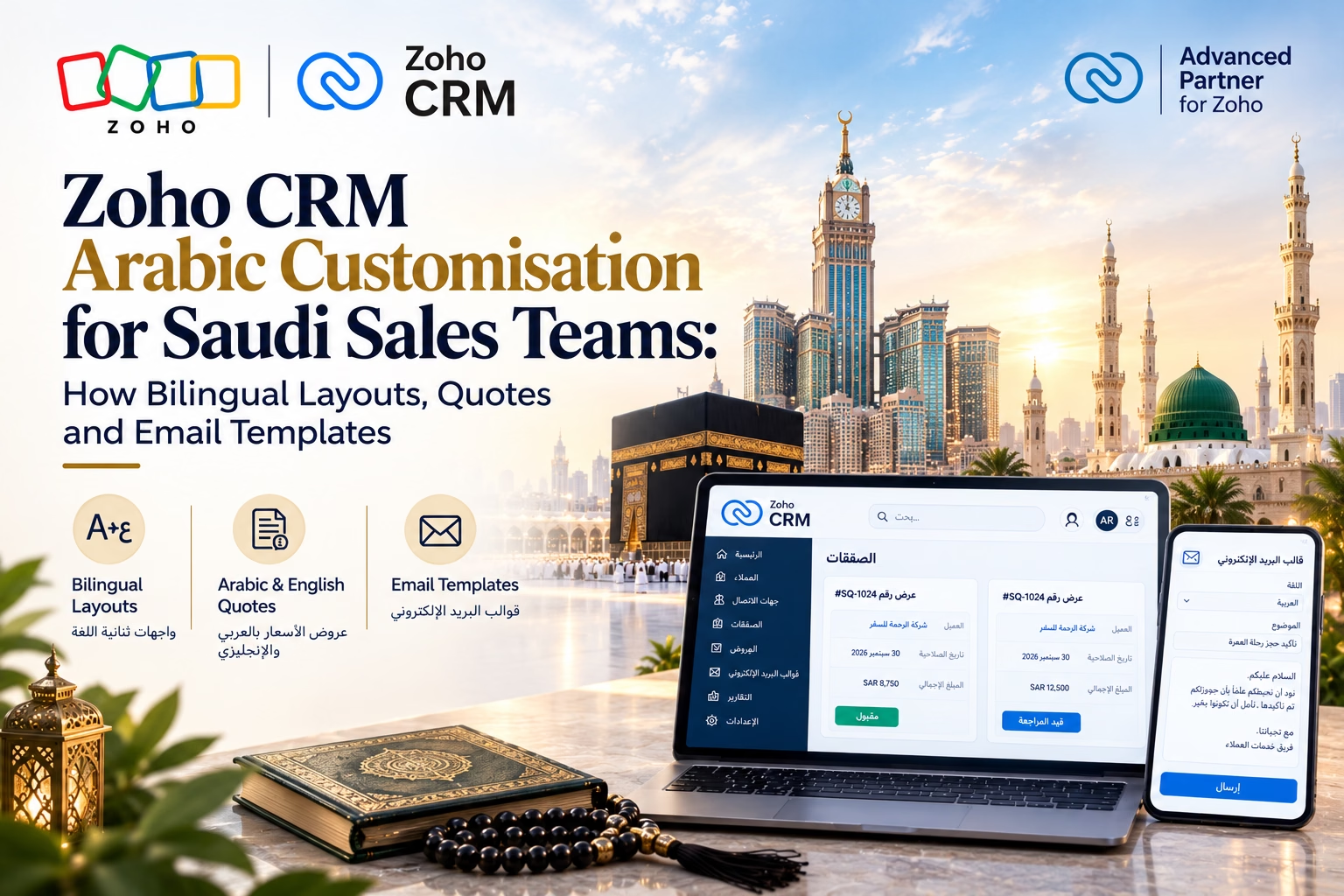
In Saudi Arabia, a sales conversation often starts in Arabic, moves to English for technical details, and ends with a signed Arabic quotation. If your CRM cannot handle that flow, your team ends up working around it with Word files, copy-pasted emails and spreadsheets.This case study shows how a Riyadh-based B2B company solved that problem with Zoho CRM Arabic customisation. We built bilingual layouts, proper right-to-left (RTL) formatting, an Arabic quote template and bilingual email templates, then automated the whole process with workflows. If you are searching for an Arabic CRM in Saudi Arabia that your sales reps will actually use, this is a practical blueprint.
The project was delivered on Zoho CRM by Al Fahad IT Consulting, a premium Zoho Partner in the UAE, KSA and Bahrain.
Client Snapshot
| Detail | Information |
| Client | Industrial equipment and services distributor (name withheld) |
| Location | Riyadh, with sales coverage in Jeddah and the Eastern Province |
| Sales team | 18 reps and 3 sales managers |
| Customers | Government-linked entities, contractors and private manufacturers |
| CRM before project | Zoho CRM in English only, plus Excel and Word for quotes |
| Goal | One CRM that works in Arabic and English, from first lead to final quotation |
The Challenge: A CRM That Spoke Only English
The company already paid for Zoho CRM, but most of the team avoided it. During our discovery workshops, we found five recurring problems.
1. Reps preferred Arabic, but the CRM was English-only. Field labels, picklists and dashboards were in English. Senior reps and field staff who were more comfortable in Arabic entered incomplete data or skipped the CRM entirely.
2. Quotes were built outside the CRM. Every quotation was created manually in Word. Arabic text broke when copied between files, numbers aligned incorrectly and the layout looked different on every laptop. A single quote took 35 to 45 minutes.
3. Customers received English-only emails. Many decision makers in Saudi organisations expect Arabic correspondence, especially in government-linked and traditional family businesses. English-only emails created friction and delayed replies.
4. Arabic names and company data were messy. Contacts were saved in a mix of Arabic and English, with duplicates such as the same company entered under its Arabic and Latin spellings. Search and reporting were unreliable.
5. No consistent follow-up process. Quotes were sent and forgotten. Managers had no visibility into which proposals were pending, approved or expired.
The Solution: A Bilingual Zoho CRM Built Around Saudi Sales Habits
We approached the project in four layers: interface, data, documents and automation.
1. Arabic and English CRM Customisation
Zoho CRM supports Arabic as a user interface language, and each user can choose their own. We used this to let reps work in the language they prefer while managers kept English dashboards.
On top of the standard Arabic interface, we customised the system to match the company’s real vocabulary:
- Translated custom labels. Custom fields, module names, picklist values and buttons were translated using business-specific Arabic terms rather than literal machine translations. For example, “Lead Source” became “مصدر العميل المحتمل” and “Quote” became “عرض السعر”.
- A Preferred Language field. We added a picklist (Arabic, English, Both) on Leads, Contacts and Accounts. This single field drives which email template and quote version a customer receives.
- Dual-name fields. Accounts now have both an “Account Name (English)” and an “Account Name (Arabic)” field, which solved the duplicate and search problems.
- Role-based layouts. Sales reps see a short, mobile-friendly layout. Managers see approval and forecast sections. Fewer fields on screen meant better data entry.
2. Bilingual Layouts and RTL Formatting
RTL formatting is where many Arabic CRM projects go wrong. Getting the interface language right is only half the job. The documents and text that customers see must also read naturally.
Here is what we did to make the layouts reliable:
- Arabic UI for Arabic users. Switching a user’s language to Arabic flips the interface to RTL, so menus, record pages and related lists read from right to left.
- Short, clean field labels. Arabic labels are often longer than English ones. We shortened them and grouped fields into clear sections to avoid cramped layouts, especially on mobile.
- Consistent number handling. Saudi business documents commonly use Western digits (0–9) for prices, quantities and VAT figures. We standardised on these across the CRM and templates to avoid confusion between digit styles.
- Date clarity. Quotes show Gregorian dates by default, with the validity period stated clearly in days. Where customers requested it, the Hijri date was added as a text line.
- Mixed-direction text. Arabic sentences often contain English product codes and model numbers. We tested every template with real data to make sure codes such as “XR-450” stayed in the correct position within RTL paragraphs.
- Font testing. We selected a clean Arabic-friendly font for templates and tested PDF output on desktop, mobile and print. Fonts that look fine on screen can render poorly in exported PDFs, so this step is essential.
3. Arabic Quotation Template (Bilingual)
The Arabic quote template was the biggest win for the sales team. Instead of building quotes in Word, reps now generate them directly from the Quotes module in a few clicks.
We designed two quote versions, selected automatically by the Preferred Language field:
- Full Arabic quote with RTL layout, for Arabic-preferring customers
- Bilingual quote with Arabic and English side by side, for customers who need both
Each template includes:
- Company logo, commercial registration number and VAT registration number
- Customer details pulled from the Arabic and English account name fields
- A product table with item description, quantity, unit price, discount, VAT (15%) and line total
- Totals in SAR, with the grand total clearly displayed
- Payment terms, delivery terms and quote validity
- Terms and conditions in Arabic, with an English version where needed
- A signature and acceptance block
- Bank details for payment
To support Saudi invoicing expectations, we kept VAT lines clear and separate, and aligned the quote format so it could flow smoothly into the company’s e-invoicing process. Your finance team or tax adviser should confirm the final invoice requirements for your business.
Product names were stored in both languages in the Products module, so each quote pulls the right description automatically.
4. Bilingual Email Templates
We built a library of bilingual CRM templates covering the full sales cycle. Each message exists in Arabic, English and a combined version.
| Template | When It Is Used |
| First response to new lead | Immediately after an enquiry arrives |
| Meeting confirmation | After a call or visit is scheduled |
| Quote delivery | When a quote is sent, with the PDF attached |
| Quote follow-up | 3 and 7 days after sending a quote |
| Quote expiry reminder | 2 days before the validity date |
| Thank-you and next steps | After a deal is won |
For Arabic emails, we set RTL direction in the template’s HTML so paragraphs, bullets and signatures align correctly. We also paid attention to tone. Saudi business writing tends to be warm and respectful, so templates open with a proper greeting, use courteous phrasing and avoid blunt, translated-from-English sentences.
Merge fields insert the contact’s name, quote number, amount and owner details, so every email feels personal without extra effort from the rep.
5. Workflow Automation
Once the templates were in place, we automated the repetitive steps.
- Language-based template selection. When a lead is created, a workflow reads the Preferred Language field and sends the matching first-response email.
- Quote approval rules. Discounts above 10% require manager approval, and above 20% require director approval. Approvals happen inside Zoho CRM and on mobile.
- Automatic quote follow-ups. If a quote stays in “Sent” status, the system emails a reminder and creates a call task for the owner.
- Expiry alerts. Reps and managers get a notification before a quote expires, which reduced silent lost deals.
- Duplicate prevention. Rules flag new accounts that match an existing Arabic or English company name.
- Pipeline stages with Blueprint. Required fields and steps are enforced at each stage, such as site visit completed, quote approved and contract signed.
Implementation Timeline
The project took six weeks from kickoff to go-live.
| Week | Activities |
| 1 | Discovery workshops, process mapping, review of existing quotes and emails |
| 2 | Field, layout and translation design; Arabic terminology approved by the sales team |
| 3 | Quote templates (Arabic and bilingual) built and tested with real data |
| 4 | Email templates, workflows, approval rules and Blueprint configured |
| 5 | Data cleanup, import and user acceptance testing with a pilot group of five reps |
| 6 | Team training in Arabic, go-live and first-week support |
Training was delivered in Arabic with short recorded videos and one-page guides, which made a big difference in adoption. See our onsite and online Zoho Training options.
Results After 90 Days
The company tracked results for three months after go-live.
| Metric | Before | After 90 Days |
| Average time to create a quote | 40 minutes | 15 minutes (62% faster) |
| Quotes sent within 24 hours of request | 41% | 87% |
| Daily CRM usage by sales reps | 35% | 94% |
| Quote-to-deal conversion rate | 18% | 26% |
| Duplicate account records | High (about 12% of records) | Under 2% |
| Quotes with no follow-up | Not tracked | Under 5% |
Managers also gained a clear view of pending quotes, discount levels and expected revenue, which made weekly forecasting far more accurate.
Key Lessons for Saudi Sales Teams
If you plan your own Zoho CRM Arabic project, these lessons will save you time:
- Do not rely on machine translation. Have your sales team approve the Arabic terminology. The right business words build trust and improve adoption.
- Treat the quote template as a core deliverable. For most Saudi companies, the quotation is the document that wins or loses the deal.
- Use one Preferred Language field to drive everything. It keeps templates, quotes and workflows simple and consistent.
- Test with real data. Long Arabic company names, mixed English product codes and large numbers expose layout problems that sample data hides.
- Train in Arabic. Adoption depends on people feeling comfortable, not just on configuration.
- Keep finance and tax requirements in mind. Involve your accountant early so quotes and invoices align with VAT and e-invoicing rules in KSA.
- Consider data hosting. Check Zoho’s regional data centre options if your clients or industry have data residency expectations.
Why Choose a Premium Zoho Partner for Your Arabic CRM
A bilingual CRM works best when it is built around your team’s real sales process. Al Fahad IT Consulting brings hands-on experience delivering Arabic and bilingual Zoho setups across the UAE, KSA and Bahrain.
- Expert Implementation: Zoho Implementation tailored to your sales cycle, languages and compliance needs.
- Ongoing Support: Zoho Maintenance and Zoho Applications Support to keep your CRM running smoothly.
- Wider Suite Integration: Connect your CRM with Zoho Books for VAT-ready invoicing, or explore Zoho CRM Plus for omnichannel engagement.
FAQs: Zoho CRM Arabic
Does Zoho CRM support Arabic?
Yes. Zoho CRM offers Arabic as an interface language, and you can further customise labels, fields, picklists, templates and documents to suit Arabic and bilingual use.
Can I create an Arabic quote template in Zoho CRM?
Yes. You can build Arabic or bilingual quote templates with RTL formatting, your branding, VAT details and terms, and generate them as PDFs directly from the Quotes module.
Can one CRM handle both Arabic and English customers?
Yes. By using a Preferred Language field and language-specific templates, the same CRM can send Arabic, English or bilingual emails and quotes automatically.
How long does a bilingual Zoho CRM setup take?
A focused setup like the one in this case study usually takes four to eight weeks, depending on the number of templates, workflows and data to migrate.
Is an Arabic CRM important for sales in Saudi Arabia?
For many sectors, including government-linked work, construction, retail and manufacturing, Arabic communication builds trust and speeds up decisions. A CRM that supports it improves both team adoption and customer experience.
Conclusion: Zoho CRM Arabic Customisation That Teams Actually Use
This project showed that Zoho CRM Arabic customisation is about much more than switching a language setting. Real results came from bilingual layouts, correct RTL formatting, professional Arabic quotations, natural email templates and workflows that remove manual work.
For Saudi sales teams, that combination means faster quotes, better customer communication and a CRM people actually enjoy using.
Ready to make Zoho CRM work in Arabic for your sales team? Contact us for a free 30-minute Zoho Consultation, and we will review your current setup and show you what a bilingual CRM could look like for your business in Saudi Arabia.
Talk to a Zoho CRM Arabic Specialist
Al Fahad IT Consulting is a Zoho Premium Partner helping businesses in UAE, Saudi Arabia, and Bahrain build Arabic and bilingual Zoho CRM systems that sales teams adopt from day one.
We assess your workflows, compliance needs, and budget before recommending a setup — not a generic pitch.
Book a free Zoho consultation →
نتحدث العربية. تواصل معنا للحصول على استشارة مجانية حول إعداد Zoho CRM باللغة العربية لفريق المبيعات لديك
Al Fahad IT Consulting is a Zoho Premium Partner and Oracle Partner Network member, providing Zoho implementation services across UAE, Saudi Arabia, and Bahrain.


