
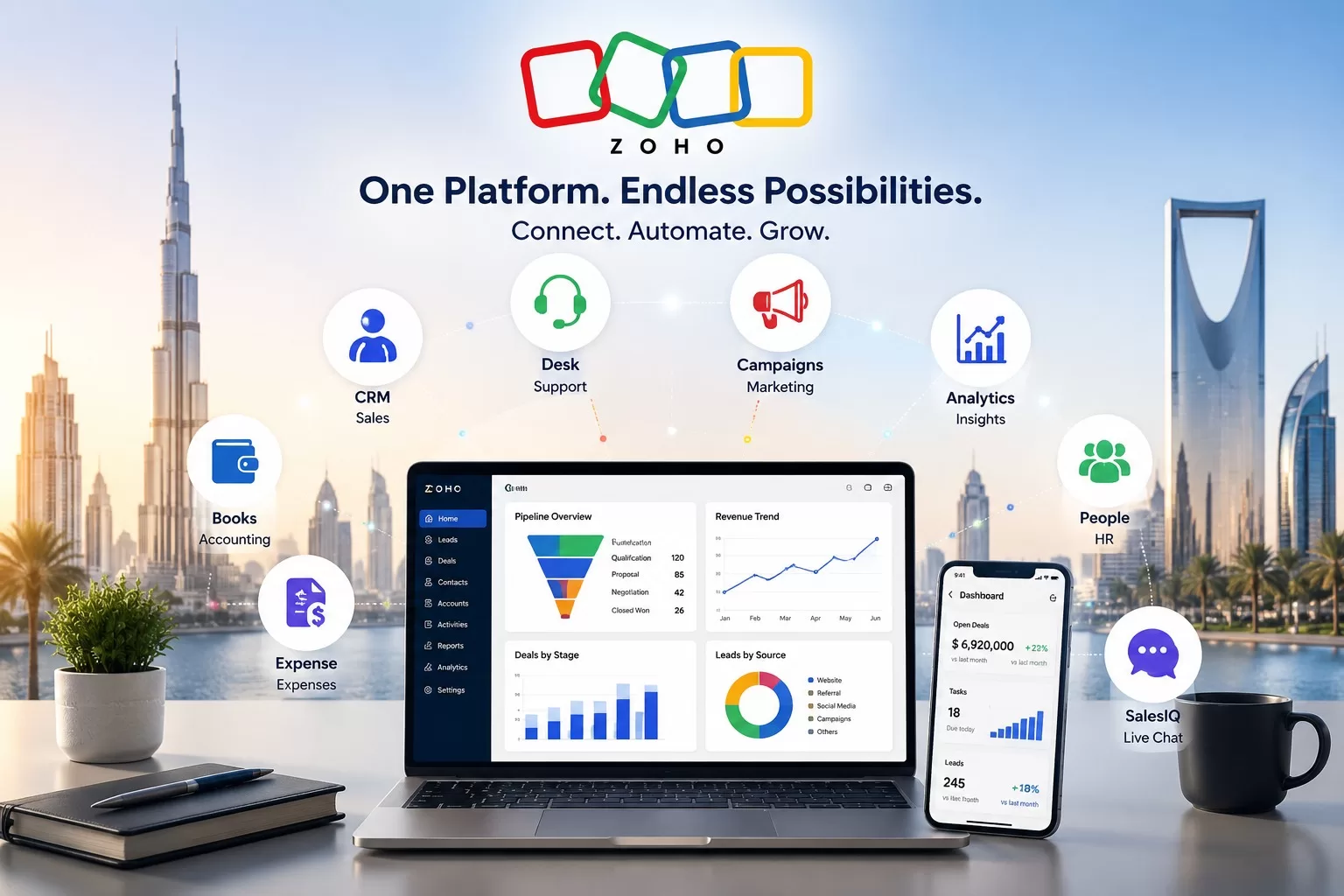
Most businesses using Zoho are only unlocking half its value. They run Zoho CRM in one tab, Zoho Books in another, and a helpdesk tool somewhere else entirely — and their teams manually copy data between all three. That is not a software problem. That is an integration problem.
The real productivity gain from Zoho does not come from any single app. It comes from connecting them. Here are the 7 Zoho integrations that GCC businesses — across UAE, Saudi Arabia, and Bahrain — are using to eliminate manual work, close faster, and scale without adding headcount.
At a Glance: The Top 7 Zoho Integrations
| # | Integration | Key Benefit | Best For |
| #1 | Zoho CRM + Zoho Books | Eliminates sales-to-invoice re-keying | Finance & Sales teams |
| #2 | Zoho CRM + Zoho Desk | Full customer context for support agents | Support & CX teams |
| #3 | Zoho CRM + Zoho Campaigns | Automated lead nurturing from CRM data | Marketing teams |
| #4 | Zoho Books + Zoho Expense | Seamless expense-to-accounting workflow | Finance & Operations |
| #5 | Zoho CRM + Zoho Analytics | Real-time sales dashboards, no IT needed | Management & Sales |
| #6 | Zoho People + Zoho Payroll | Automated HR-to-payroll data sync | HR teams |
| #7 | Zoho CRM + Zoho SalesIQ | WhatsApp & live chat leads straight to CRM | Sales & Digital teams |
The 7 Integrations — And Exactly What They Fix
#1: Zoho CRM + Zoho Books — Close Deals, Invoice Instantly
Without this integration, your sales team closes a deal and then emails finance to raise an invoice. Finance re-keys the same customer data. Errors happen. Days pass.
With Zoho CRM + Zoho Books, a deal marked ‘Closed Won’ in CRM automatically creates a draft invoice in Zoho Books — customer details, line items, and pricing pre-filled. VAT calculated. Ready to send in one click.
- Who benefits: Sales and finance teams in trading, distribution, and services businesses.
- Time saved: Up to 3 hours per day of manual data entry across a 10-person sales team.
A Dubai trading company reduced invoice generation time from 48 hours to under 2 hours after activating this integration — and eliminated re-keying errors entirely.
#2: Zoho CRM + Zoho Desk — Support Agents Who Know the Full Story
Your support agent picks up a ticket. They have no idea if this customer has an open deal, a pending payment, or a history of complaints. So they ask questions the customer has already answered three times.
With Zoho CRM + Zoho Desk, every support ticket shows the agent the full customer profile — purchase history, deal stage, open invoices, and past interactions — without switching systems. Support becomes faster, smarter, and far less frustrating for the customer.
- Who benefits: Customer support and account management teams.
- Result: Faster ticket resolution, fewer escalations, higher customer retention.
#3: Zoho CRM + Zoho Campaigns — Marketing That Actually Uses Your CRM Data
Most businesses run email campaigns to their entire contact list and wonder why open rates are low. The problem is generic messaging sent to the wrong people at the wrong time.
Zoho CRM + Zoho Campaigns changes this. Segment your CRM contacts by deal stage, industry, location, or last activity — and trigger personalised email sequences automatically. A lead who downloaded a brochure gets a follow-up email. A deal stuck in negotiation for 10 days triggers a tailored offer. No manual work required.
- Who benefits: Marketing and sales teams running lead nurturing or re-engagement campaigns.
- Result: Higher conversion rates from existing leads without spending more on acquisition.
#4: Zoho Books + Zoho Expense — No More Lost Receipts or Missed Input Tax
Employee expense management is one of the biggest sources of VAT recovery leakage for GCC businesses. Receipts get lost. Input tax goes unclaimed. Finance spends hours chasing down paperwork every month.
Zoho Expense lets employees scan receipts on their phones. The app extracts the amount, vendor, and VAT automatically, routes the expense through an approval workflow, and pushes the approved entry directly into Zoho Books as a recoverable input tax transaction. Nothing falls through the cracks.
- Who benefits: Finance teams and employees who travel or incur regular business expenses.
- Result: Full input VAT recovery, faster reimbursements, and zero manual data entry for finance.
#5: Zoho CRM + Zoho Analytics — Real-Time Dashboards Without the IT Team
Management wants a pipeline report. Sales manager pulls data from CRM, pastes it into Excel, formats it, and sends it three days after it was relevant. By then, the decisions have already been made on gut feel.
Zoho CRM + Zoho Analytics delivers live, visual dashboards — pipeline by stage, revenue by rep, conversion rate by lead source, forecast accuracy — updated in real time. No exports. No spreadsheets. No waiting. Management sees what is happening now, not what happened last week.
- Who benefits: Sales managers, CFOs, and business owners who need real-time pipeline visibility.
- Time saved: Eliminates 5 to 10 hours of weekly manual reporting across management and sales ops.
A Riyadh services firm reclaimed 12 hours per week after connecting Zoho CRM to Zoho Analytics — their sales manager gained live pipeline visibility with zero manual input.
#6: Zoho People + Zoho Payroll — HR and Payroll Finally in Sync
Every month, HR updates the attendance register, adjusts leave balances, and emails payroll a spreadsheet. Payroll re-enters it all, calculates deductions, and processes salaries — hoping nothing was missed or mis-typed.
With Zoho People + Zoho Payroll, attendance, leave, and employee data sync automatically between HR and payroll. Salary calculations run on live data. Compliance with WPS (UAE Wages Protection System) and Saudi payroll regulations is built in. Month-end payroll that used to take two days takes a few hours.
- Who benefits: HR and payroll teams in businesses with 20+ employees.
- Result: Accurate payroll, WPS compliance, and hours saved every pay cycle.
#7: Zoho CRM + Zoho SalesIQ — WhatsApp and Live Chat Leads Straight Into Your Pipeline
In the GCC, WhatsApp is how customers make first contact. Most businesses handle these conversations through personal phones, with no record of what was discussed and no way to track follow-ups.
Zoho CRM + Zoho SalesIQ captures leads from WhatsApp Business, live website chat, and chatbots — and pushes them directly into Zoho CRM as tracked leads with full conversation history. Every inquiry becomes a pipeline entry. Every follow-up is assigned, tracked, and never missed.
- Who benefits: Sales and digital teams in UAE and GCC businesses where WhatsApp drives inbound enquiries.
- Result: Zero lost WhatsApp leads, faster response times, full CRM visibility on every conversation.
5 Signs Your Zoho Apps Are Not Integrated — And Costing You
- Sign #1: Your sales team emails finance to raise every invoice after closing a deal.
- Sign #2: Your support agents have no idea if a customer has an open payment or active deal.
- Sign #3: You send the same marketing email to your entire contact list regardless of deal stage.
- Sign #4: Your management pipeline report is compiled manually in Excel every week.
- Sign #5: WhatsApp enquiries are handled on personal phones with no CRM follow-up.
If two or more of these describe your business right now, you are leaving significant productivity — and revenue — on the table.
Why Zoho’s Native Integrations Beat Third-Party Connectors
- No middleware required: Zoho apps talk to each other natively — no Zapier, no custom APIs, no ongoing connector maintenance.
- Single data layer: One customer record shared across CRM, Books, Desk, and Campaigns — no duplicates, no conflicting data.
- One vendor, one support team: When something breaks, you call one partner. No finger-pointing between vendors.
- GCC-ready out of the box: Arabic interface, VAT compliance, WPS payroll, and WhatsApp integration — built for the region, not bolted on.
- Scales with your business: Add apps as you grow without re-platforming. Start with CRM + Books, add Analytics and Campaigns when you are ready.
Frequently Asked Questions
Q1. Do I need Zoho One to access all these integrations?
Not necessarily. Many integrations — such as Zoho CRM + Zoho Books or Zoho CRM + Zoho Desk — are available with individual app subscriptions. However, Zoho One bundles 45+ apps for a single per-user fee and is the most cost-effective way to access the full Zoho ecosystem for a growing GCC business.
Q2. How long does it take to set up Zoho integrations?
Basic integrations like CRM + Books or CRM + Desk can be configured within 1 to 2 days. More complex setups — multi-app workflows, custom automation, and data migration — typically take 2 to 6 weeks with a certified Zoho partner like Al Fahad IT Consulting.
Q3. Can Zoho integrations support businesses with multiple GCC locations?
Yes. Zoho’s multi-entity, multi-currency, and multi-user setup supports businesses operating across UAE, Saudi Arabia, and Bahrain from a single platform. Each entity can have its own VAT configuration, payroll rules, and reporting structure while sharing a unified customer and pipeline view.
Q4. What if we already use non-Zoho tools like QuickBooks or Salesforce?
Zoho offers API-based connectors for common third-party tools. However, migrating to native Zoho apps — particularly Zoho Books from QuickBooks, or Zoho CRM from Salesforce — typically delivers a faster, more reliable integration with lower total cost. Al Fahad IT Consulting handles full data migrations with minimal disruption.
Ready to Connect Your Zoho Apps and Start Saving Hours Every Week?
The apps are only as powerful as the connections between them. Every disconnected workflow is a hidden tax on your team’s time — and your business’s growth.
Al Fahad IT Consulting is a certified Zoho Premium Partner with 10+ years of experience and 300+ implementations across UAE, Saudi Arabia, and Bahrain. We design, configure, and optimise Zoho integrations that fit your exact business process — not a generic template.
Contact our team today for a free integration audit. We will map your current Zoho setup, identify the gaps, and show you exactly where the productivity gains are.
Disclaimer: This article is for informational purposes only and does not constitute professional business consulting advice. Always evaluate your specific business requirements before making software decisions.
Talk to a Zoho Spend Specialist
Al Fahad IT Consulting is a Zoho Premium Partner with active Zoho Expense and Zoho Spend implementations across UAE, Saudi Arabia, and Bahrain.
We configure spend management workflows aligned to your approval structure, VAT requirements, and operational scale: not a generic template.
Book a free Zoho consultation →
نتحدث العربية. تواصل معنا للحصول على استشارة مجانية في إدارة المصروفات والمشتريات
Al Fahad IT Consulting is a Zoho Premium Partner and Oracle Partner Network member, providing Zoho implementation services across UAE, Saudi Arabia, and Bahrain.


