
Most sales teams in the UAE, Saudi Arabia, and Bahrain are not losing deals because of bad selling. They are losing them because of slow, manual processes. A lead comes in through WhatsApp, sits unanswered for a day, gets logged in a spreadsheet two days later — and by then a competitor has already called. The deal was never lost on price. It was lost on follow-up.
Your sales pipeline is the single most valuable process in your business — and when it runs on memory, sticky notes, and manual data entry, it leaks revenue every single day. The fix is not hiring more salespeople. It is automating the pipeline you already have. Here is exactly how to do it with Zoho CRM, in five clear steps.
At a Glance: The 5 Steps to Automate Your Sales Pipeline
| Step | What You Automate | The Result |
| Step 1 | Lead capture from every channel | Zero leads lost, instant entry into CRM |
| Step 2 | Standardised pipeline stages (Blueprint) | Every rep follows the same proven process |
| Step 3 | Lead assignment & follow-up rules | Right rep, right lead, no delay |
| Step 4 | Smart sequences with Cadences & Zia | Automated nurturing that feels personal |
| Step 5 | Live dashboards & AI forecasting | Real-time visibility, accurate decisions |
Why a Manual Sales Pipeline Is Quietly Costing You
The Hidden Cost of Manual Pipeline Management
A manual pipeline does not fail loudly. It fails quietly — one missed follow-up, one un-logged call, one forgotten quote at a time. Before you automate, it helps to see exactly where the leaks are.
- Slow lead response: Studies consistently show that leads contacted within minutes convert far more often than those contacted hours later. Manual handoffs make speed impossible.
- Inconsistent process: Every salesperson runs deals their own way. There is no repeatable formula, so results swing wildly between reps.
- Forgotten follow-ups: The fortune is in the follow-up — yet manual reminders are the first thing to slip when a team gets busy.
- No real pipeline visibility: Management cannot forecast revenue without phoning each rep, so decisions get made on gut feel instead of data.
A trading company in Dubai found that 1 in 4 inbound leads were never followed up at all — not because reps were lazy, but because there was no system to catch them. After automating capture and assignment in Zoho CRM, that figure dropped to zero.
The 5 Steps to Automate Your Sales Pipeline with Zoho CRM
Step 1: Capture Every Lead Automatically
Automation starts at the front door. Zoho CRM pulls leads in automatically from your website forms, WhatsApp Business, live chat, email, phone calls, and social media — and creates a CRM record the moment an enquiry lands. No copy-pasting. No leads sitting in an inbox.
Web-to-Lead forms, Zoho SalesIQ, and email parsers ensure every channel feeds one unified pipeline.
Who benefits: Sales and digital teams in GCC businesses where WhatsApp and web forms drive most inbound enquiries.
Result: Every enquiry becomes a tracked opportunity within seconds.
Step 2: Define and Standardise Your Pipeline Stages
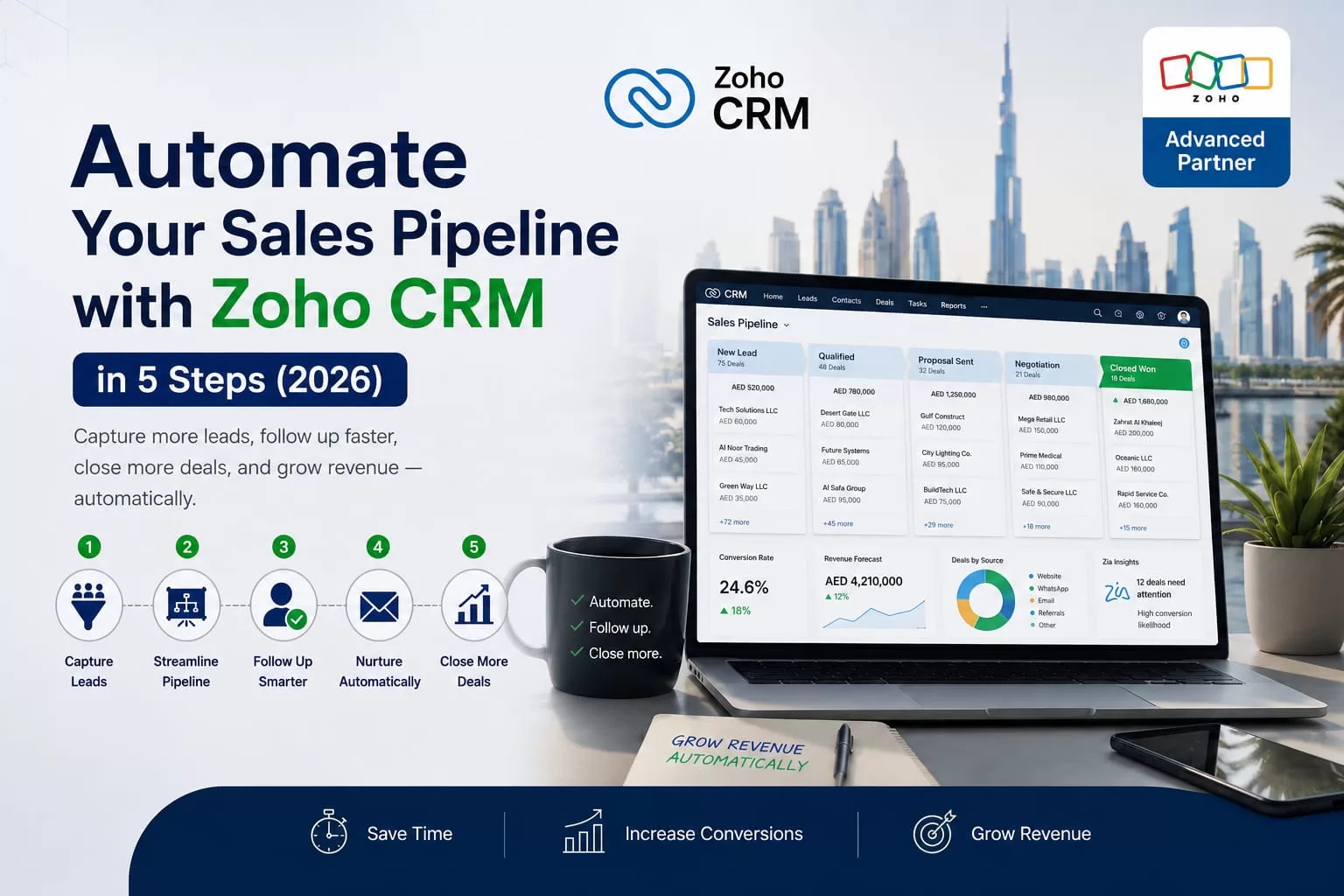
Map your sales process into clear stages (e.g., New Lead → Qualified → Proposal Sent → Negotiation → Closed Won). Zoho CRM’s Blueprint feature then enforces these stages as guardrails.
Reps cannot skip stages without completing required actions such as logging calls or attaching quotes.
Who benefits: Sales managers who need consistency and new hires who need a clear process.
Result: A standardised, repeatable pipeline across the entire team.
Step 3: Automate Lead Assignment and Follow-Ups
Zoho CRM’s Assignment Rules route new leads instantly based on region, product, deal size, or round-robin. Workflow Rules then trigger acknowledgement emails, follow-up tasks, and field updates automatically.
Deals can even flow directly to Zoho Books for automatic VAT-compliant invoicing.
Who benefits: Sales operations teams currently spending hours on manual assignment and reminders.
Time saved: Up to 3 hours per day for a 10-person sales team.
Step 4: Trigger Smart Sequences with Cadences and Zia
Zoho CRM Cadences run automated multi-touch follow-up sequences so no lead goes cold. Zia (Zoho’s AI) adds intelligence — lead scoring, best time to call, quiet deal alerts, and predictive insights.
Who benefits: Sales and marketing teams focused on nurturing and re-engagement.
Result: Higher conversion rates from existing leads.
Step 5: Track, Forecast, and Optimise with Live Dashboards
Replace manual Excel reports with real-time dashboards showing pipeline by stage, revenue by rep, conversion rates, and Zia-powered AI forecasting.
Who benefits: Business owners, CFOs, and sales managers who need accurate visibility.
Time saved: 5–10 hours of weekly manual reporting.
Manual Pipeline vs. Automated Zoho CRM Pipeline
| Pipeline Task | Manual Pipeline | Automated with Zoho CRM |
| Lead Capture | Typed in by hand, often late | Auto-captured from every channel |
| Lead Assignment | Manual, manager-dependent | Instant, rule-based routing |
| Follow-Ups | Remembered or forgotten | Automated cadences & tasks |
| Process Consistency | Different for every rep | Standardised via Blueprint |
| Forecasting | Gut feel & spreadsheets | AI-powered, real-time |
| Reporting | Manual Excel, days late | Live dashboards, instant |
5 Signs Your Sales Pipeline Needs Automation Right Now
- Sign #1: Leads come in through WhatsApp and personal phones with no central record.
- Sign #2: Your sales manager spends hours every week assigning leads and chasing reminders.
- Sign #3: Every salesperson runs deals their own way.
- Sign #4: Your pipeline report is built in Excel and is already outdated.
- Sign #5: You cannot accurately forecast what will close this quarter without calling reps.
Why GCC Businesses Choose Zoho CRM for Pipeline Automation
- AI-powered automation with Zia — lead scoring, best-time-to-contact, and forecasting.
- Full Arabic interface with RTL support.
- Native GCC integrations with Zoho Books, Zoho Desk, Zoho Campaigns, and more.
- Flexible pricing starting from $14/user/month.
- Scales with Zoho One — 45+ apps, no re-platforming needed.
Frequently Asked Questions
Q1: How long does it take to automate a sales pipeline in Zoho CRM?
A basic setup can be done in 1–2 weeks. Full implementation with Blueprint, Cadences, and Zia usually takes 4–8 weeks with a certified partner.
Q2: Do I need technical skills?
No. Zoho CRM’s no-code automation tools are business-user friendly. A certified partner handles configuration and training.
Q3: Will it work for WhatsApp leads in the GCC?
Yes. Zoho SalesIQ + Zoho CRM captures WhatsApp conversations automatically with full history.
Q4: Can I automate invoicing?
Yes. Closed Won deals can automatically create VAT-compliant invoices in Zoho Books.
Ready to Automate Your Sales Pipeline?
Every day your pipeline runs manually is a day of lost leads and invisible revenue. Zoho CRM makes automation fast and affordable for growing GCC businesses.
Al Fahad IT Consulting is a certified Zoho Premium Partner with 10+ years of experience and 300+ implementations across UAE, Saudi Arabia, and Bahrain.
Contact us today for a free pipeline automation consultation. We will map your current process and show you exactly how much time and revenue you can recover.
نتحدث العربية. تواصل معنا للحصول على استشارة مجانية في أتمتة خط أنابيب المبيعات
Disclaimer: This article is for informational purposes only and does not constitute professional business consulting advice. Always evaluate your specific business requirements before making software decisions.
Al Fahad IT Consulting is a Zoho Premium Partner providing Zoho CRM implementation services across UAE, Saudi Arabia, and Bahrain.


